27 Free Fabric Textures for Designers to Download

Tuesday, October 5, 2021

Some good-quality texture images can be an excellent asset for designers. However, when it comes to creating a design from scratch or making a fabulous DIY, you need some unique backgrounds that can justify your concept and give you a creative space to implement your ideas fully. There are a number of categories in textures, and in this post, we are particularly talking about fabric textures.

We have created this assorted collection of 27 free and highly useful fabric textures for your creative projects. We have tried to make this collection versatile as much as possible with different formats and fabric types. As a result, you can get beautiful colors and textures that can help you in your textile, fashion, lifestyle, or any other commercial design. Moreover, all these beautiful textures are available for free, which makes this collection even more exciting and helpful. So let’s check out all the textures in detail.

1. Realistic Black & White Striped Fabric:
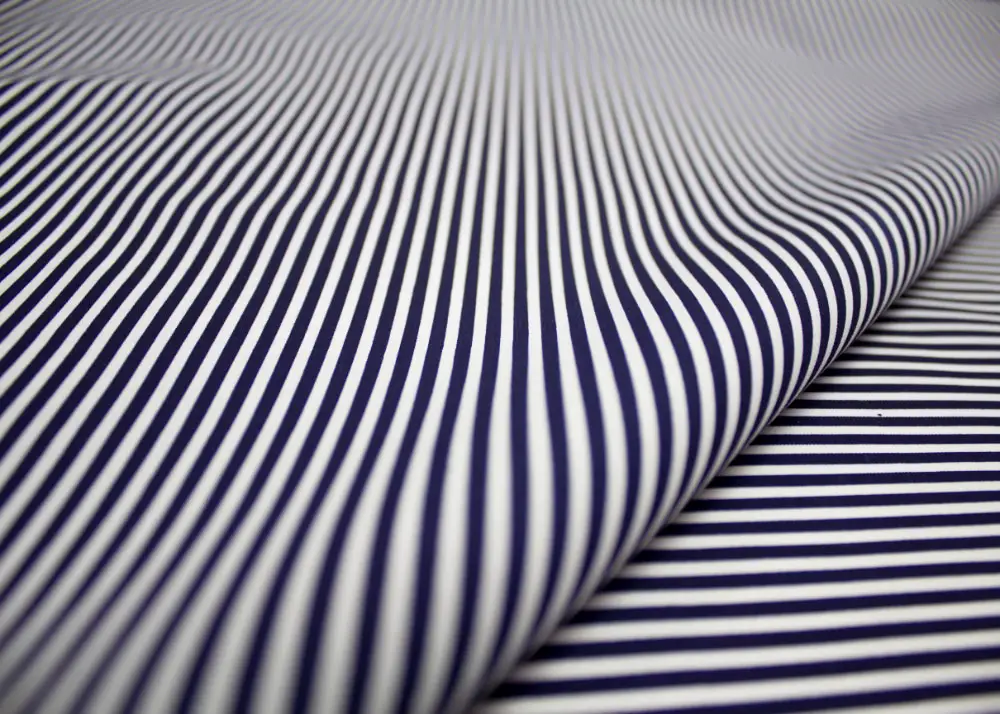
Free & Highly Useful Fabric Textures for Designers: Black & White Stripes

This clean and beautiful fabric texture has a stylish striped pattern in a black and white color combination. It has outstanding quality and looks that give a unique illusional appearance. You can download this for free and save it in your collection for unique designs related to fabric, textile, fashion, and apparel. It is a natural, sophisticated, and decent texture image.

2. Texture background of white satin:
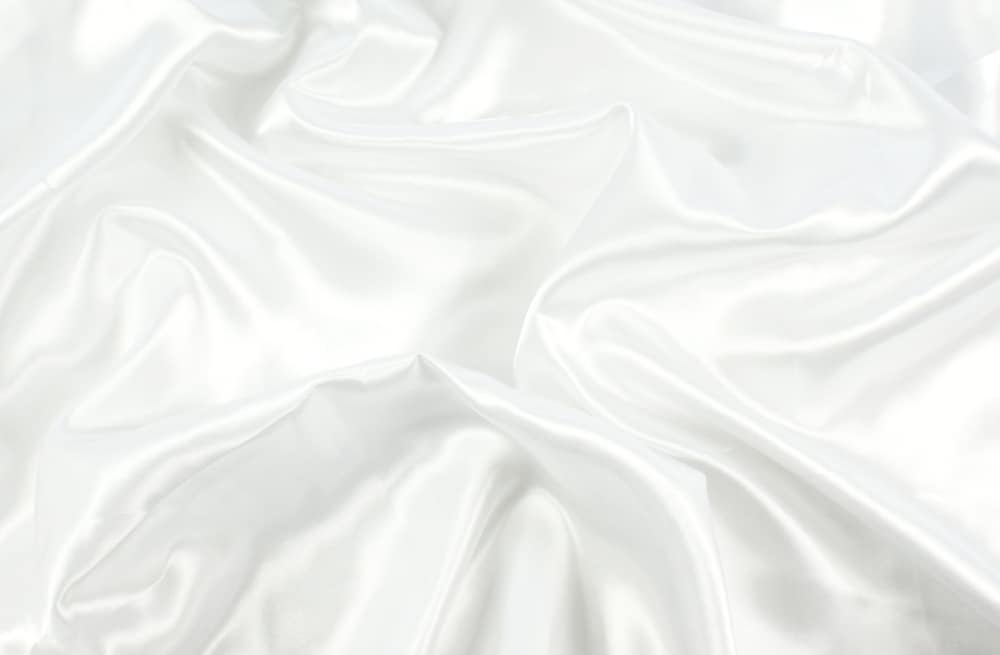
Free & Highly Useful Fabric Textures for Designers: Satin

An excellent white background is something every designer likes to collect. And this fabric texture is white, sophisticated, and elegant that can help you in multiple luxurious, classy, and exquisite designs. It has actual satin fabric with delicate folds, which makes this background exciting yet straightforward. So download this for free and use it as a perfect background for your important designs that needs an incredible white satin texture.

3. Beautiful Blue Net:
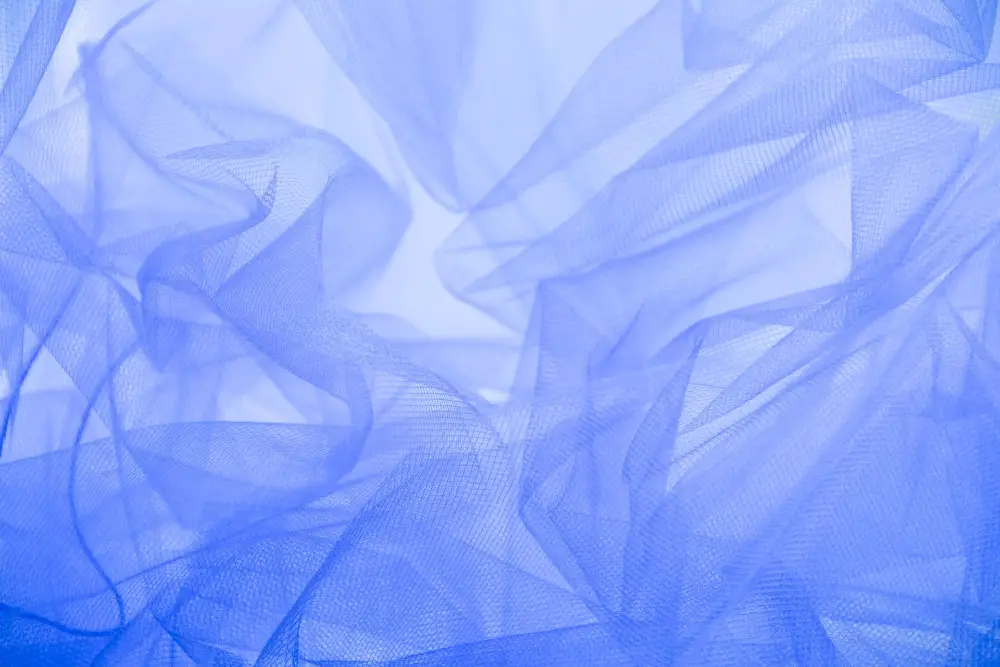
Free & Highly Useful Fabric Textures for Designers: Beautiful Blue Net

With this beautiful, versatile texture, you can choose any category and create a fantastic design. It has the blue seamless texture of net fabric with an elegant look. This texture is artistic, soft, and attractive that can help you in many professional and personal designs. Moreover, it has an essential substance and adaptive nature that can surely support your large number of objectives.

4. White stripe lines fabric pattern Free Vector:
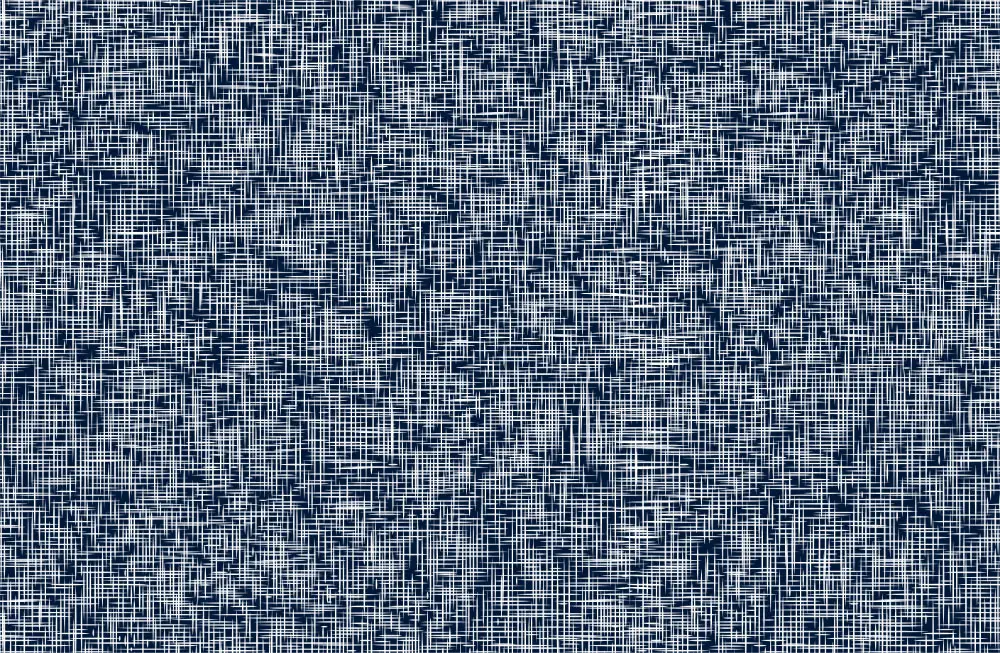
Free & Highly Useful Fabric Textures for Designers: White Lines Fabric

This busy texture of white strips gives you a solid background image to create an interesting design. This unique and modern fabric pattern can work perfectly with your textile, printing, and fashion-related designs. In addition, it is a high-quality and very versatile vector image that can help you in multiple designs. So save it in your collection for many exciting concepts.

5. Handcrafted Design On The Fabric:
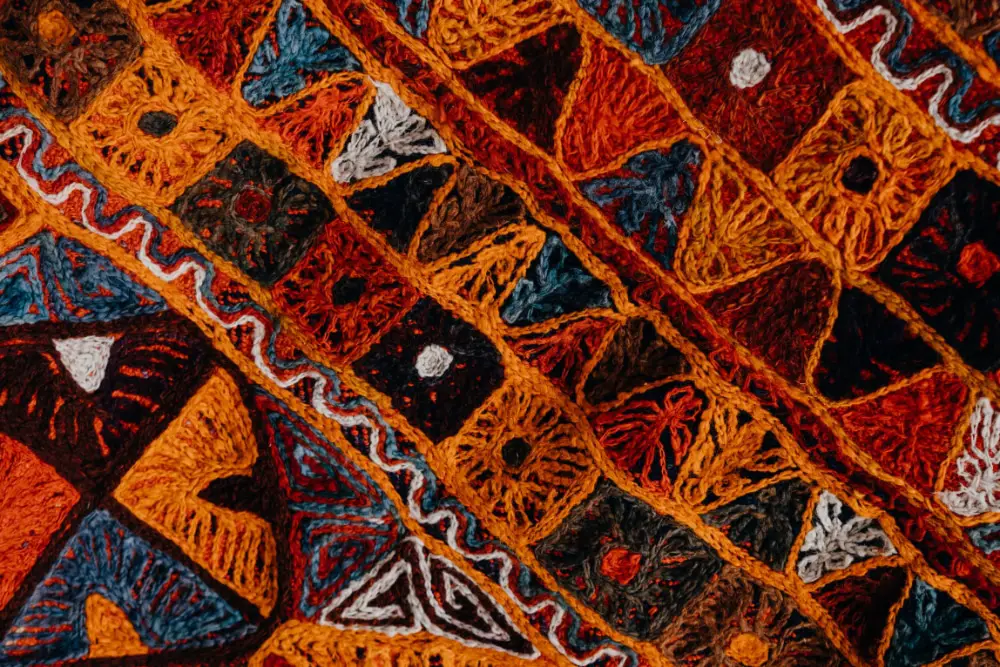
Free & Highly Useful Fabric Textures for Designers: Handcrafted

With this beautiful portrait texture, you can create amazing designs related to handcrafting, art, and special designs. It has vivid colors and a natural design that gives a perfect fabric texture for brands dealing in handcrafted products and fabrics. This texture can make your designs impactful and attractive without any hassle or investment with different colors and thread work.

6. Realistic Grey Texture:
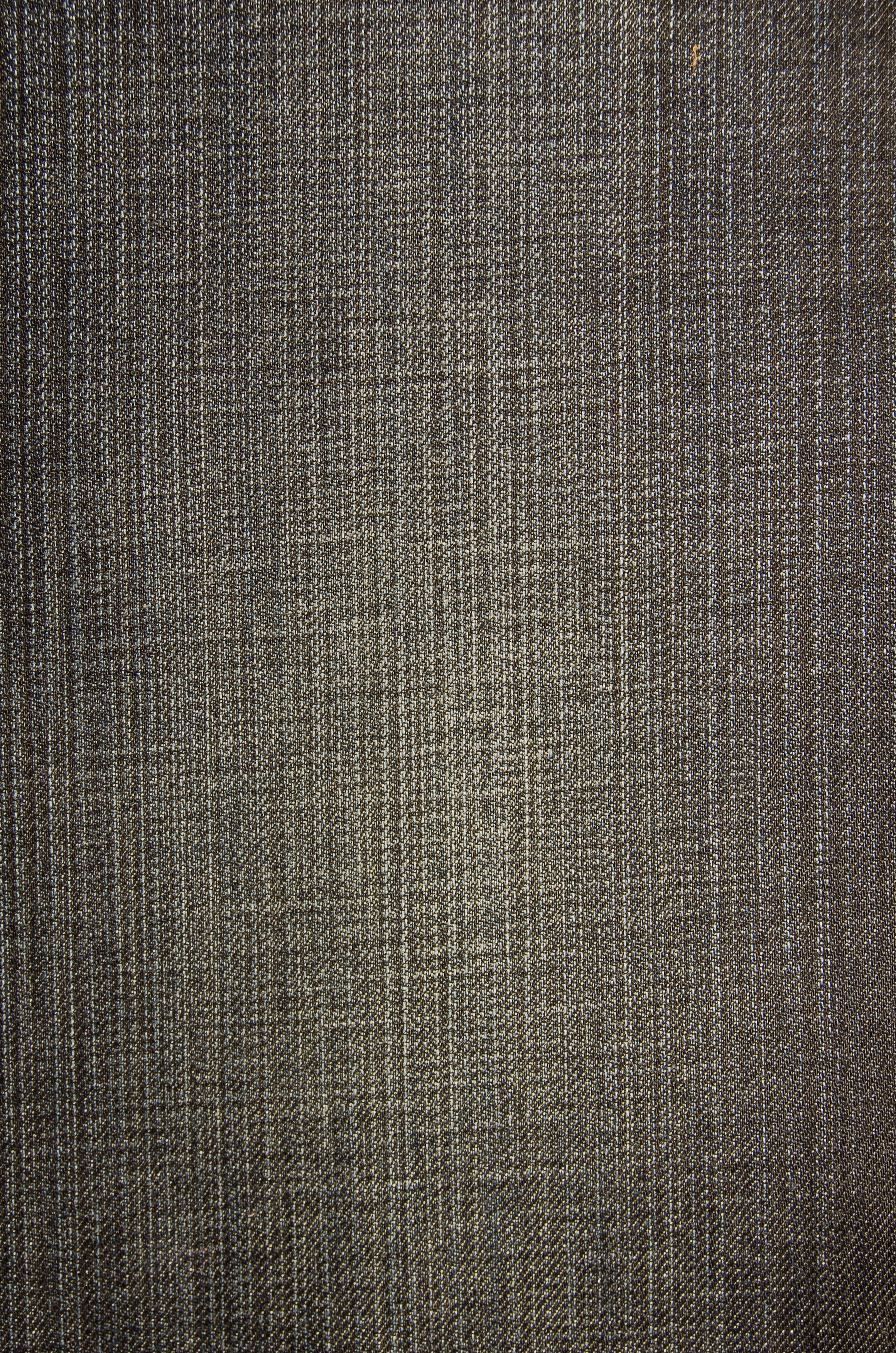
Free & Highly Useful Fabric Textures for Designers: Natural Grey

This grey background has a rough fabric texture with a realistic look. It has basic and adaptive properties to become a foundational layer for the end number of designs. You can save it in your collection and utilize it in any design that needs a basic color and rough surface look. Overall it’s a great texture to work with.

7. Detailed Fabric Texture:
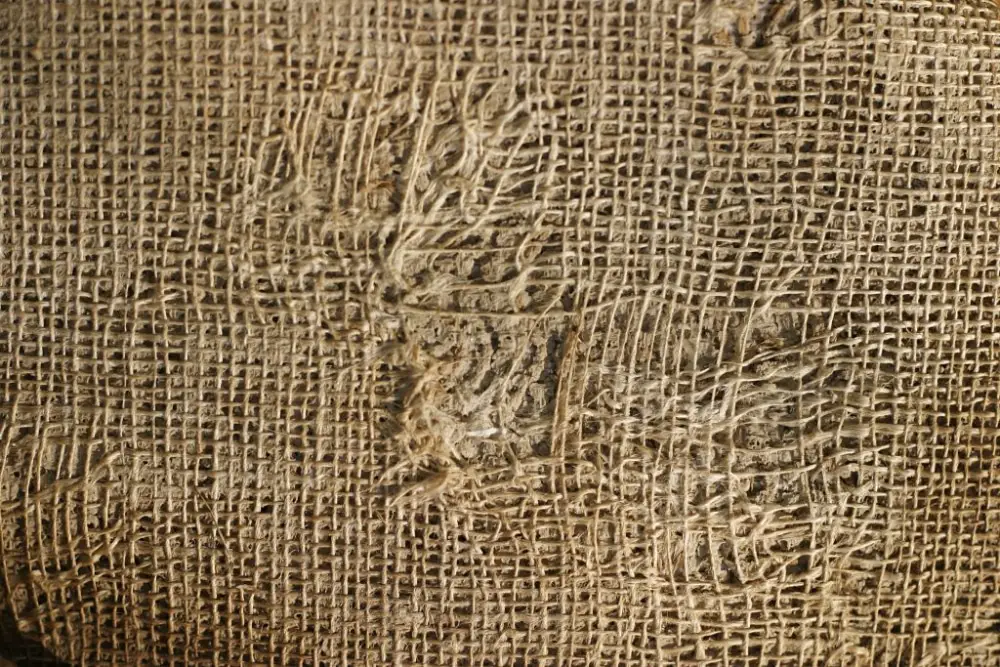
Free & Highly Useful Fabric Textures for Designers: Detailed Fabric

You get a unique brown texture with a distorted design from this download. This realistic close-up image has a solid jute fabric texture to help you in various industrial and commercial designs. It is a strong, flexible, and straightforward texture image for basic and professional designs where you need such rough fabric texture.

8. Pastel Colored Strip Texture:
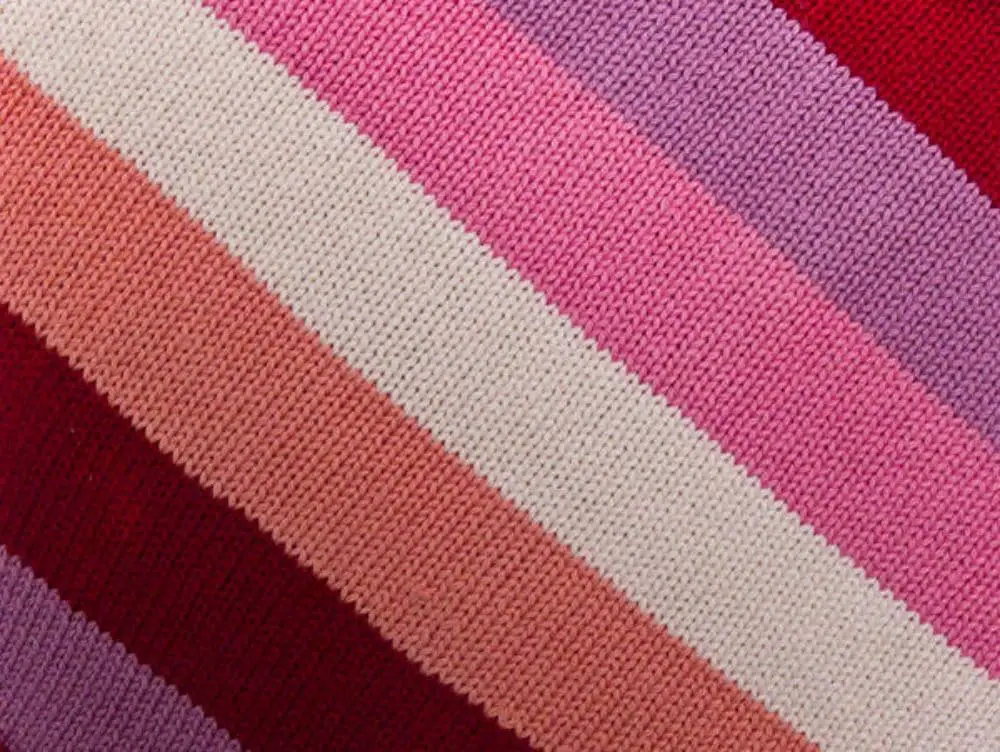
Free & Highly Useful Fabric Textures for Designers: Pastel Colored Strip

Clean detailing of knitting and beautiful colors make this texture look subtle and attractive. It has stripped design with beautiful colors and simple arrangements, which makes this image basic yet solid. You can create many interesting graphical designs from this texture for your esteemed clients. So overall, this multicolored knitted texture is a beautiful choice for your quality collection.

9. Blue textile free stock texture:
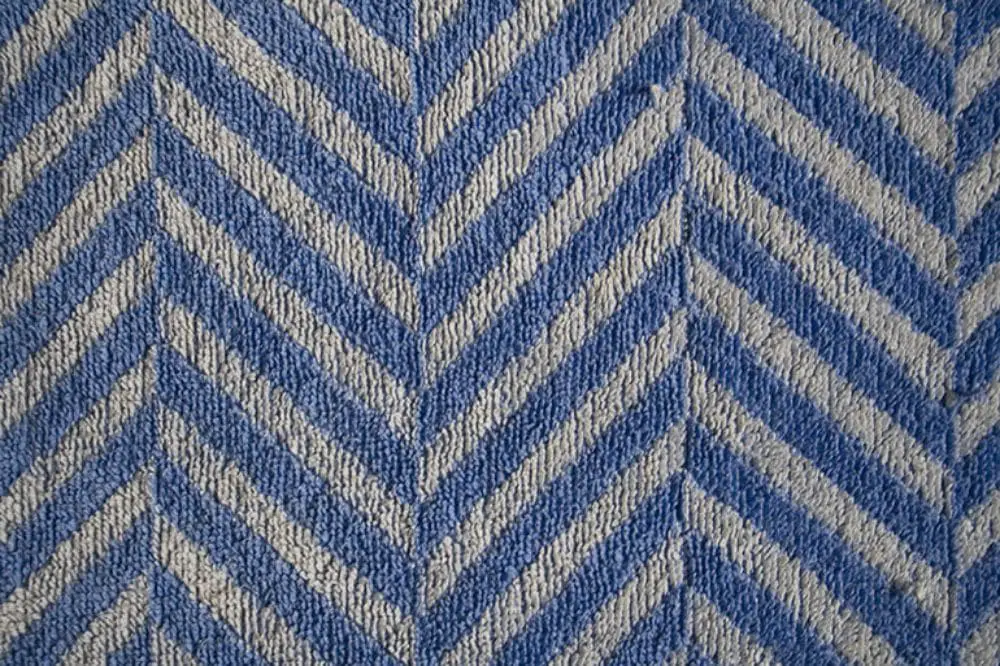
Free & Highly Useful Fabric Textures for Designers: Blue Textile

This rough geometric pattern texture is very raw and neutral to give a unique background to your designs. It has a seamless pattern and a cool color combination of blue and white. You can have multiple experiments with this texture and make your design extraordinary. It is a free image with a good quality design to help various professionals.

10. Pink close up fabric texture:
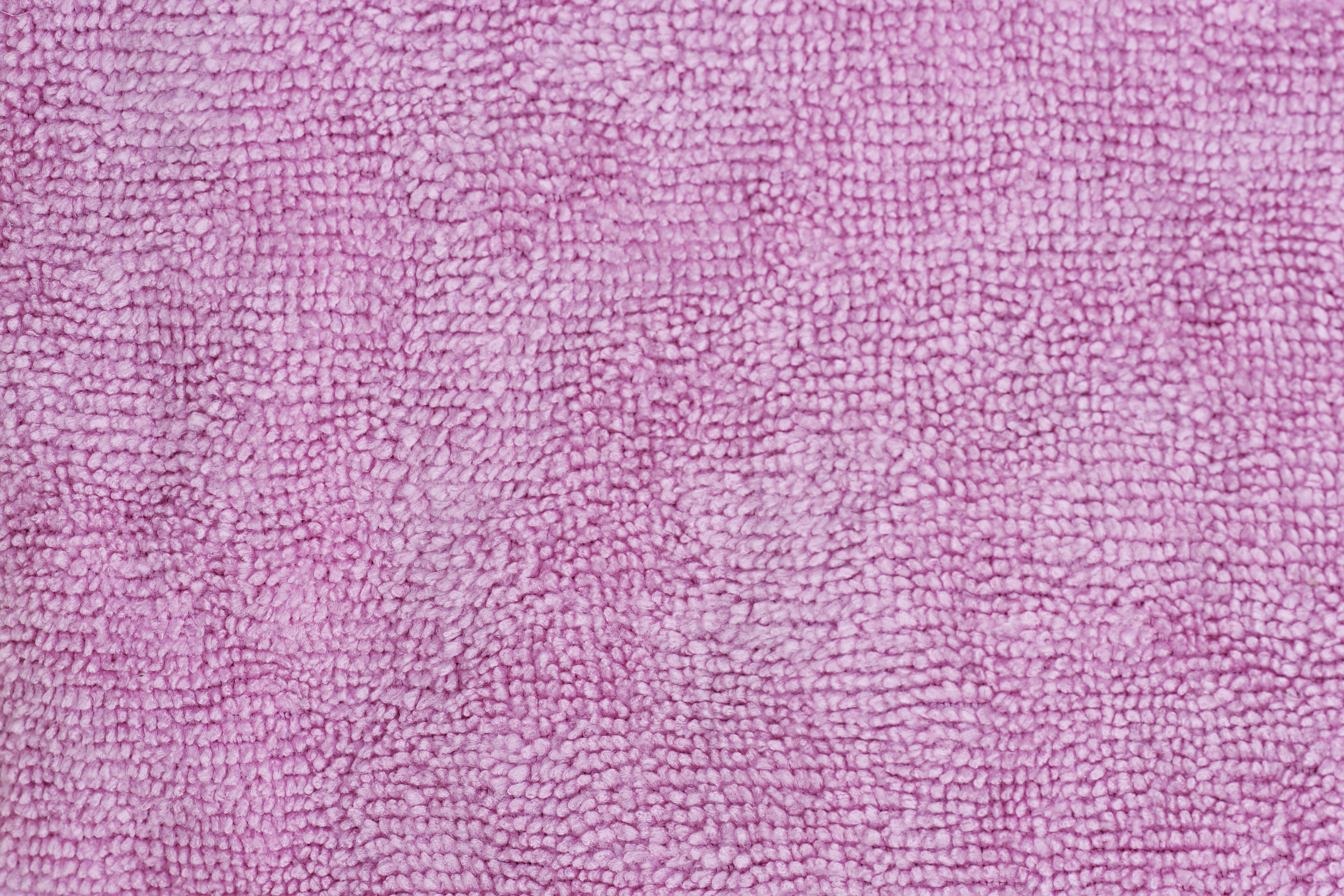
Free & Highly Useful Fabric Textures for Designers: Pink Texture

This pink fabric texture has a unique fur design. You get a good quality realistic image with pink textured fabric that looks smooth and uneven at the same time. It is a fundamental and adaptive texture design that gives single-tone colors and space for your design copy. So overall, it’s a good texture background to collect.

11. Camouflage Printed Fabric:
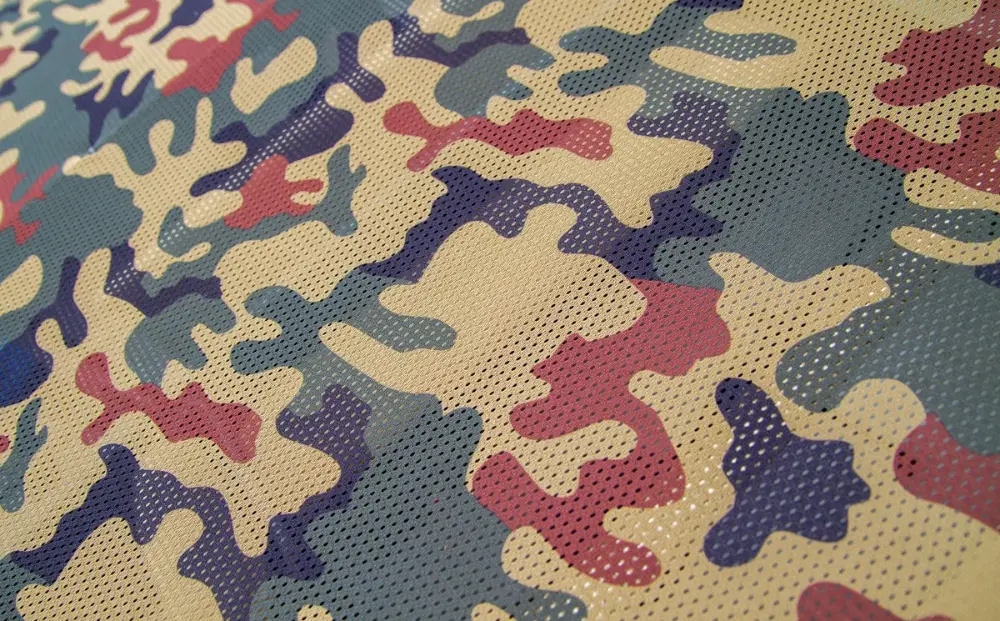
Free & Highly Useful Fabric Textures for Designers: Camoflague Print

Camouflage print is a timeless pattern that can serve an end number of designs without getting old. With this fabric background, you get an attractive camouflage pattern with beautiful colors and dotted texture, which can support you in multiple armies, sports, governmental, war, and other related designs. It is a clean, natural, and powerful texture that would come in handy if you like to collect good quality textures.

12. Beautiful Flower Texture on Fabric:
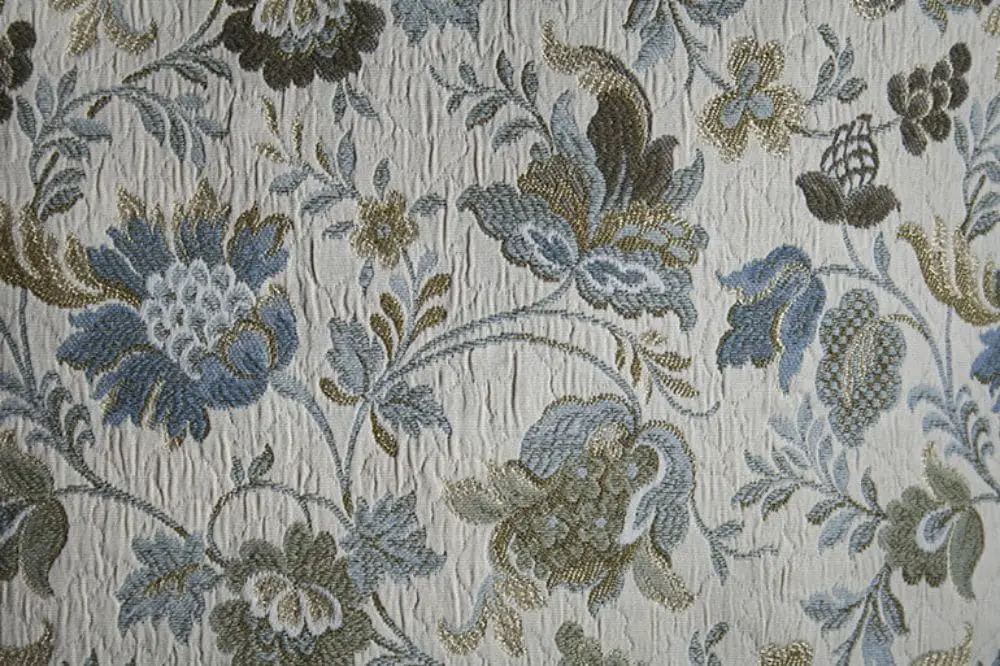
Free & Highly Useful Fabric Textures for Designers: Beautiful Flower

It is a beautiful crushed fabric with flower pattern embellishment that gives an elegant and feminine look. It has white, grey, blue, and golden colors in this texture with the handcrafted pattern. This texture can undoubtedly support you in fashion, art, handcrafting, printing, and any other related textile designs. It is a beautiful and good quality image that would be very helpful if you save it in your collection.

13. Orange Dual Focus Fabric Texture:
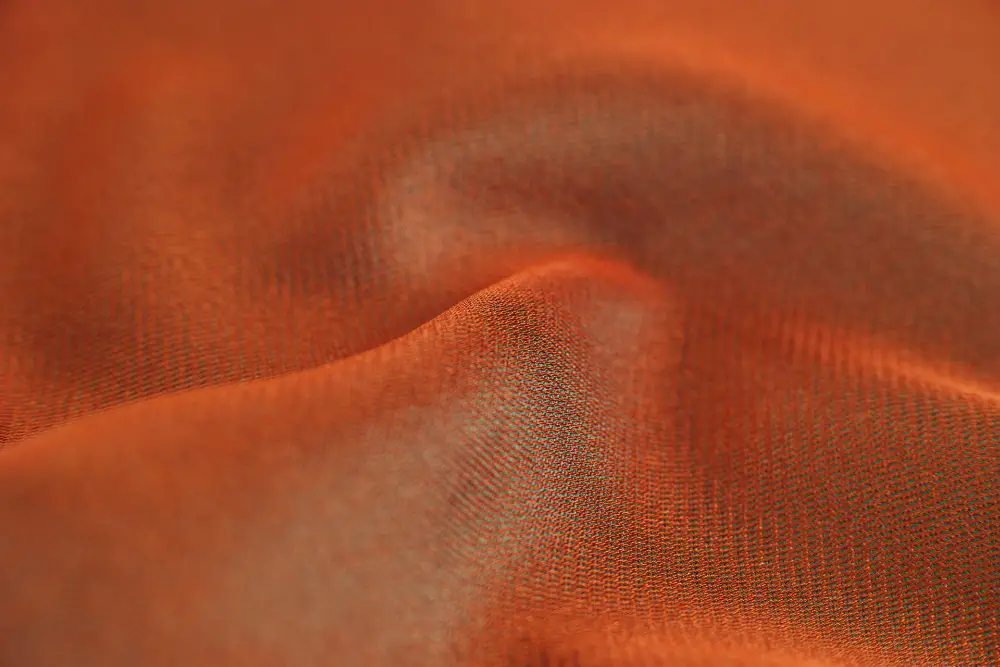
Free & Highly Useful Fabric Textures for Designers: Beautiful Flower

It is a soft orange fabric that has realistic look and professional focal points. It has a vibrant and deep color with unique folds that makes it a wonderful fabric texture for various fashion and textile designs. Moreover, it is very adaptive and practical as well to utilize in any other design category if you want to make something unique and impressive.

14. Red Satin Background Texture:
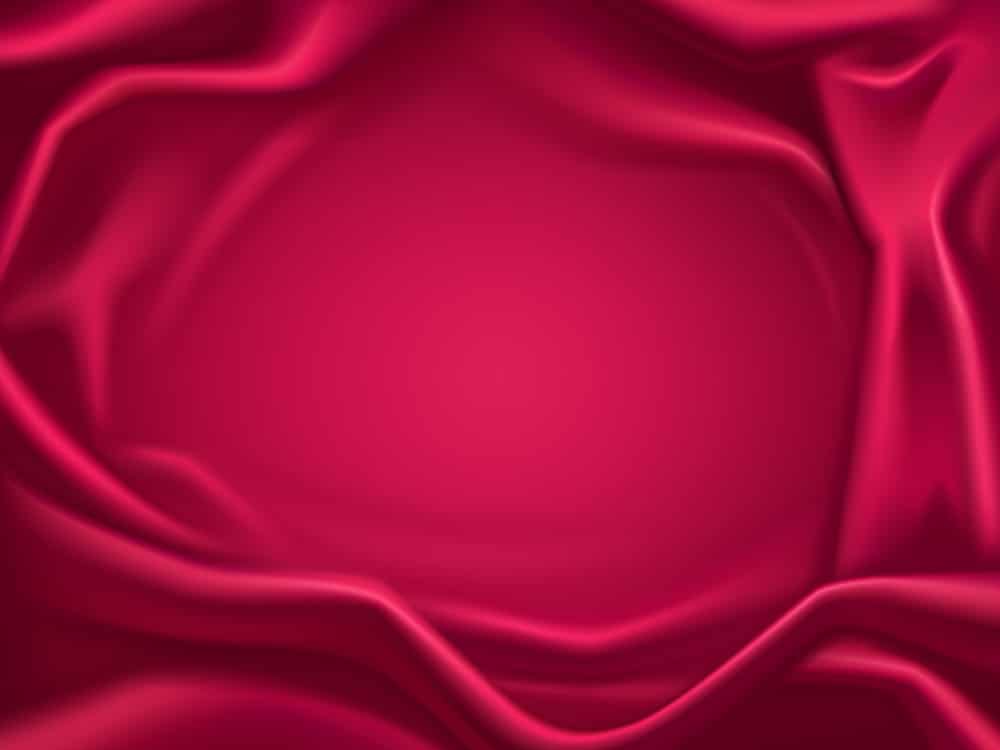
Free & Highly Useful Fabric Textures for Designers: Red Satin

This perfect background has a beautiful red satin fabric texture with a dedicated spot for your design copy. It is a high-quality image providing a very elegant, sophisticated, and lovely texture for free. You can utilize this texture for multiple designs where you need a classy background to portray your brand or product in a certain most exquisite way.

15. Abstract Sheer Fabric Texture:
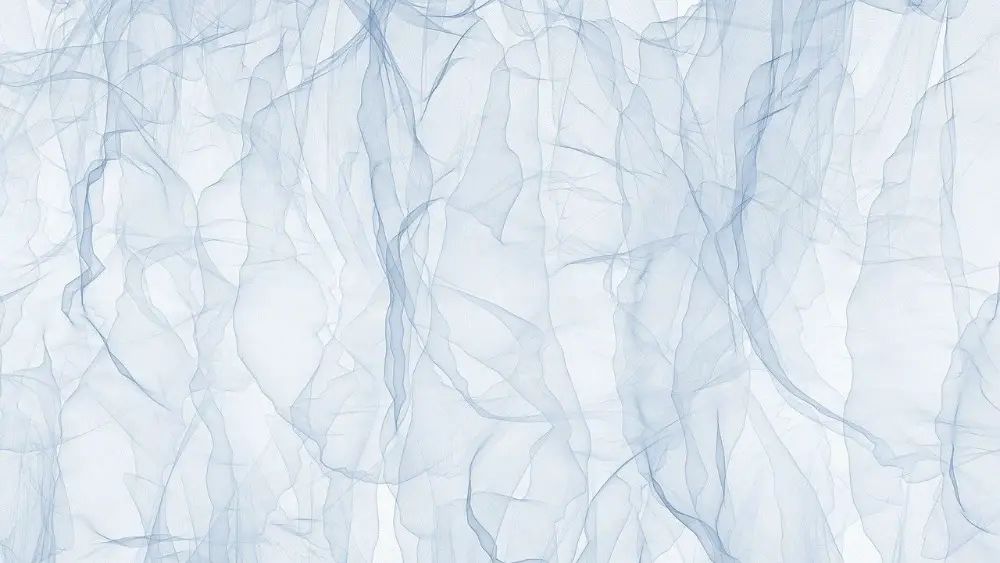
Free & Highly Useful Fabric Textures for Designers: Sheer Fabric

This beautiful texture can provide you a solid minimal, and adaptive background for your various innovative designs. It has a sheer fabric texture with an abstract pattern on a white surface. This subtle and gorgeous background is available for free so that you can experiment with your fashion, lifestyle, textile, and any other design theme without any complicated element.

16. Plain Denim Texture:
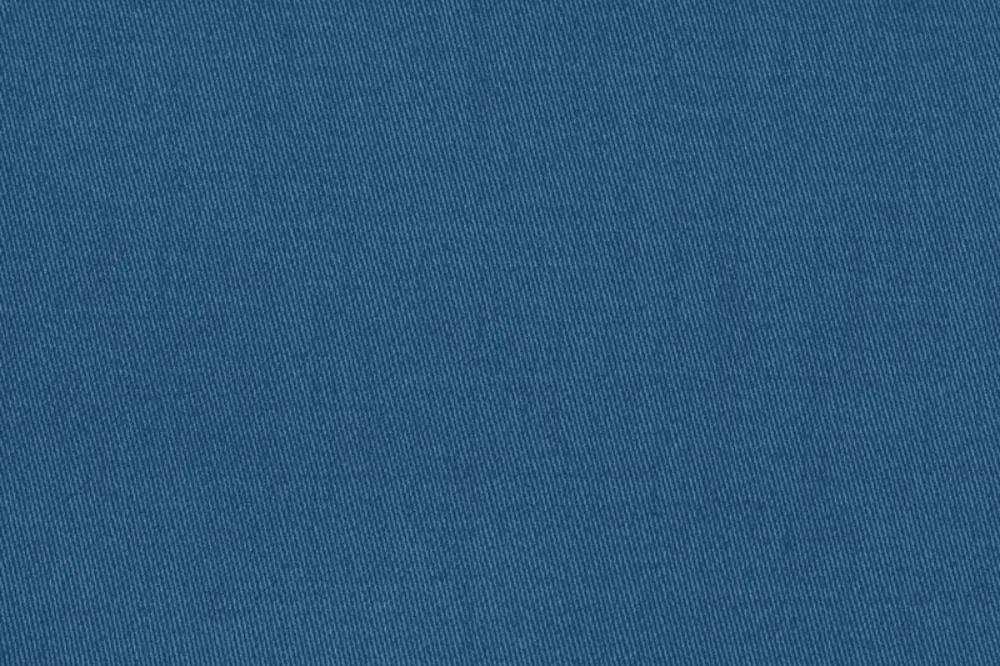
Free & Highly Useful Fabric Textures for Designers: Plain Denim

It’s a solid blue denim texture with clean and adaptive fabric material. It has a unique blue shade and natural denim look packed in a high-quality file. Undoubtedly it is a brilliant multipurpose texture to make a solid base for your creative designs.

17. Pastel Colored Soft Fabrics:
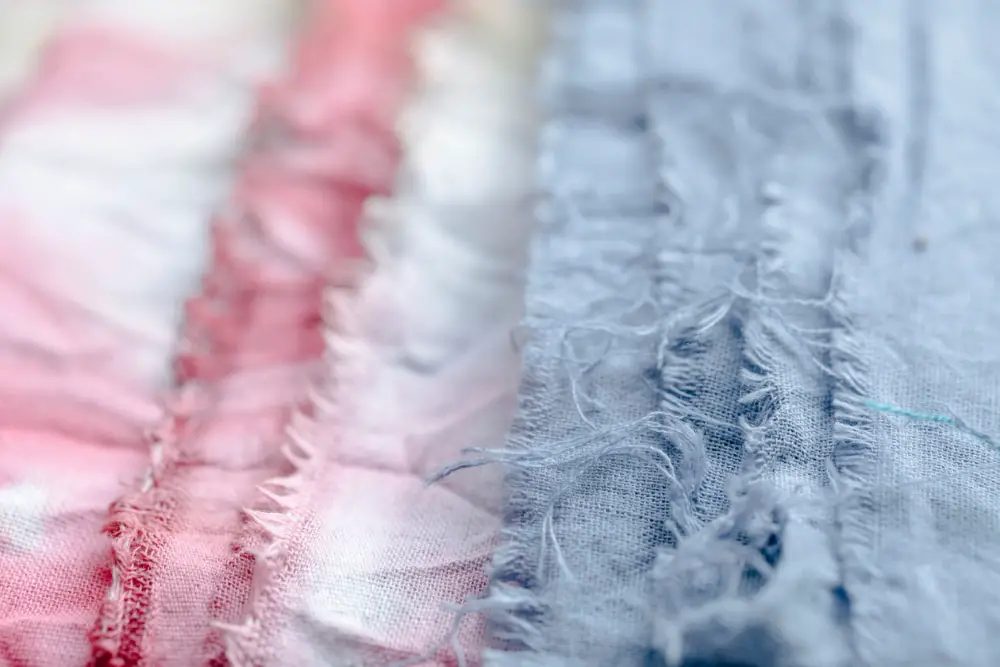
Free & Highly Useful Fabric Textures for Designers: Pastel Color Soft

This dual-colored background has soft fabric layers and beautiful shades of pink and blue. It is a professionally captured image showing fabrics on the table with unique depth. You can save it in your collection for free and utilize this texture for textile, dying, threads, knitting, or any other elegant design.

18. Multicolored Macro Fabric Pattern:
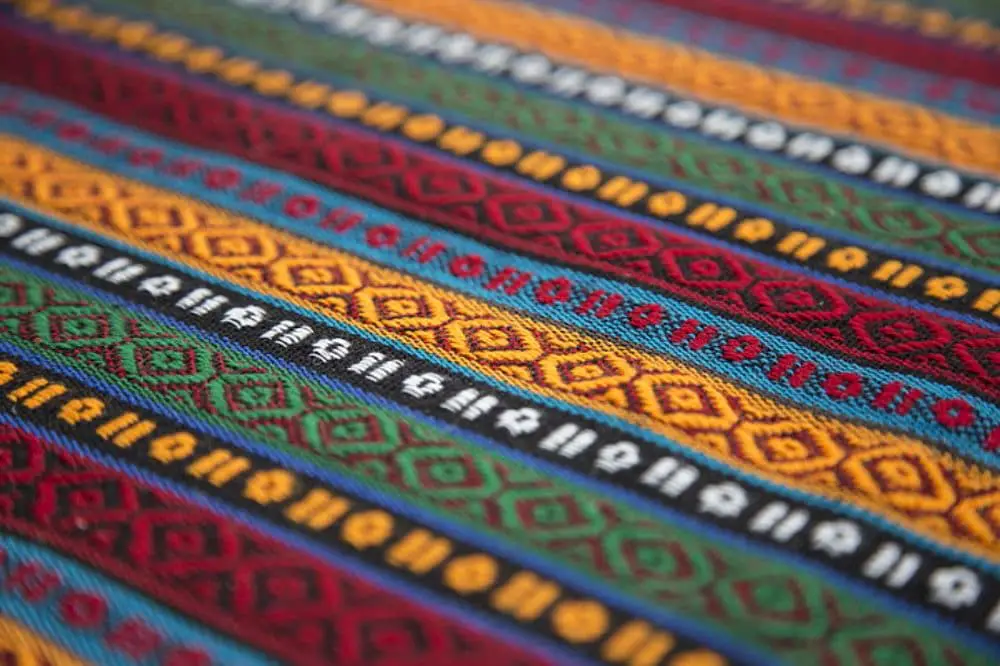
Free & Highly Useful Fabric Textures for Designers: Multicolored Macro

It is a beautiful fabric texture giving a stunning woven design. You get multiple vibrant colors and handcrafted geometric patterns in a seamless striped design. Overall this texture looks very attractive and authentic to help you in numerous projects. You can download this for free and add it to your collection for many artistic projects.

19. Simple Tactile Fabric Texture:
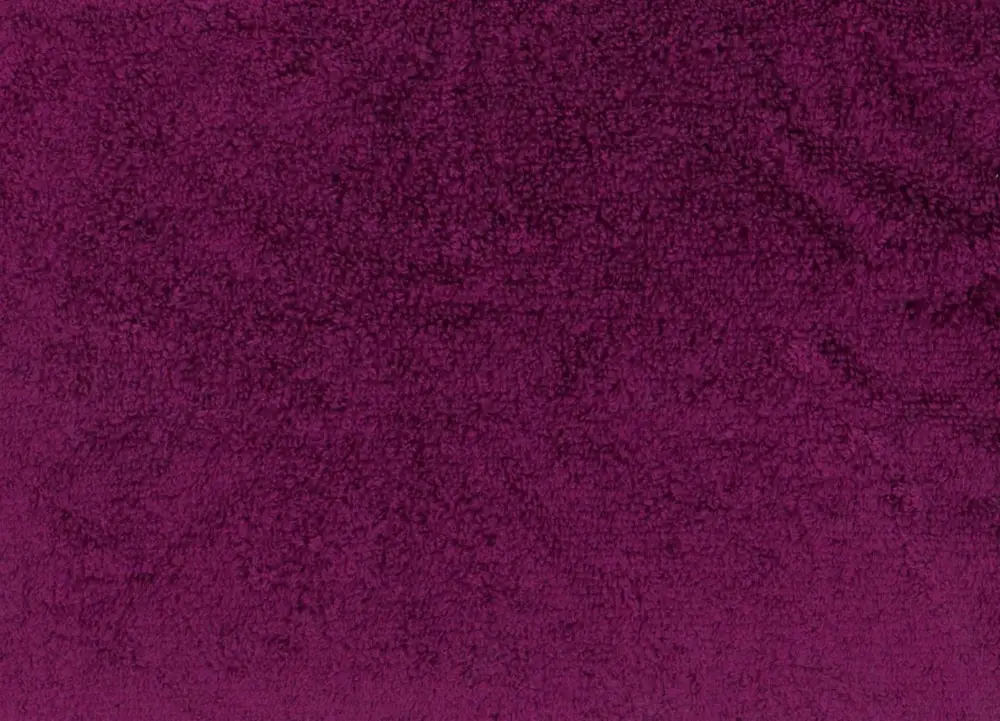
Free & Highly Useful Fabric Textures for Designers: Simple Tactile Fabric

With this deep purple-colored background, you get a soft tactile fabric texture to add a unique and personal touch to your designs. This texture is basic, intense, and versatile to use in any design category for any creative purpose. So try this velvety and realistic texture for free and keep it in your collection.

20. Blue Checked Print Fabric:
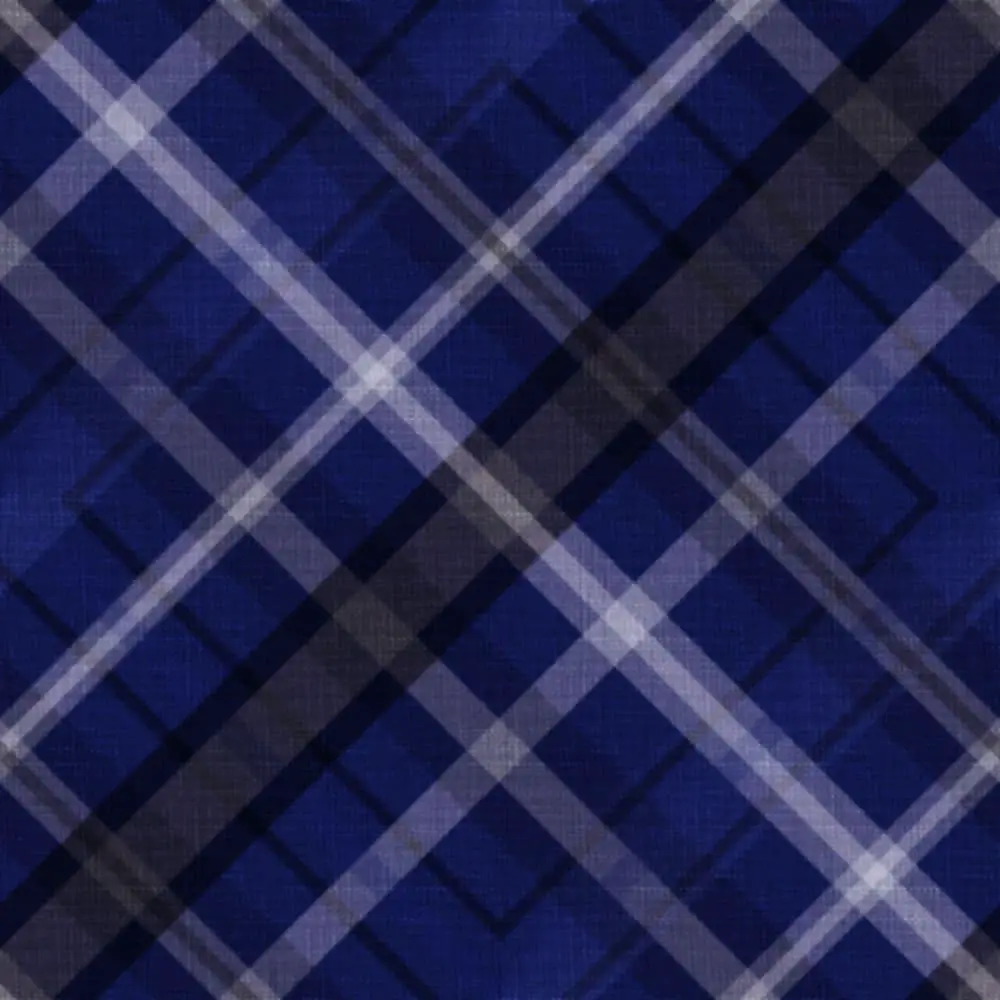
Free & Highly Useful Fabric Textures for Designers: Blue Checked

Checkered printed design always serves professionals for multiple creative objectives, be it illustration, background, marketing or packaging design, or any other helpful design. This dark blue printed fabric has a beautiful checkered design with a fabulous geometrical look and solid colors. So overall, a good quality fabric texture to have for creative designs.

21. Multicolored Fabric Texture:
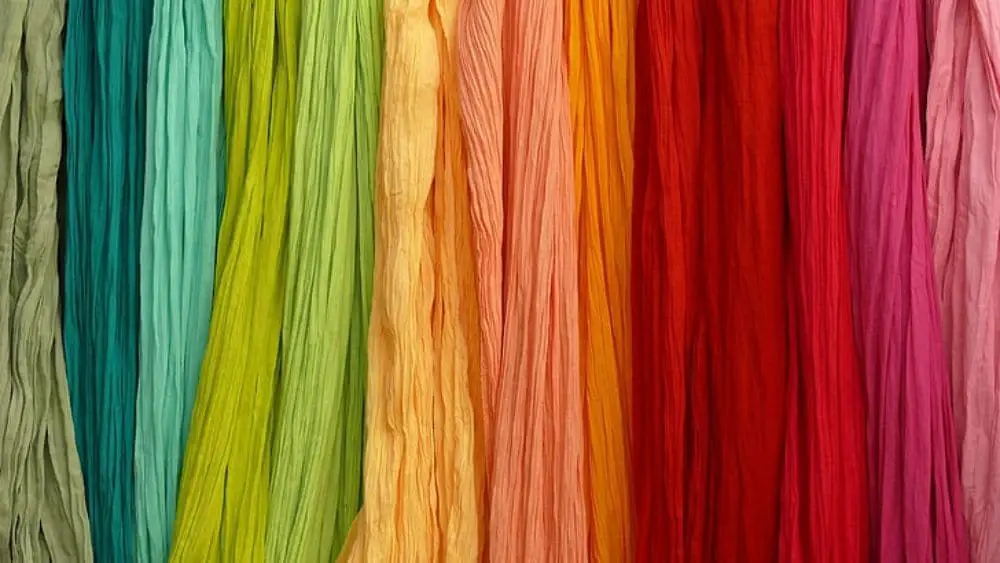
Free & Highly Useful Fabric Textures for Designers: Bright Colors

This fantastic background image is available for free. It offers a fantastic color pallet and natural fabric rolls. You get layers of a similar fabric in multiple eye catchy colors. You can use this rainbow-themed texture for free and make excellent designs. So try this modern, realistic and playful texture and make innovative artworks.

22. Printed Fabric Texture:
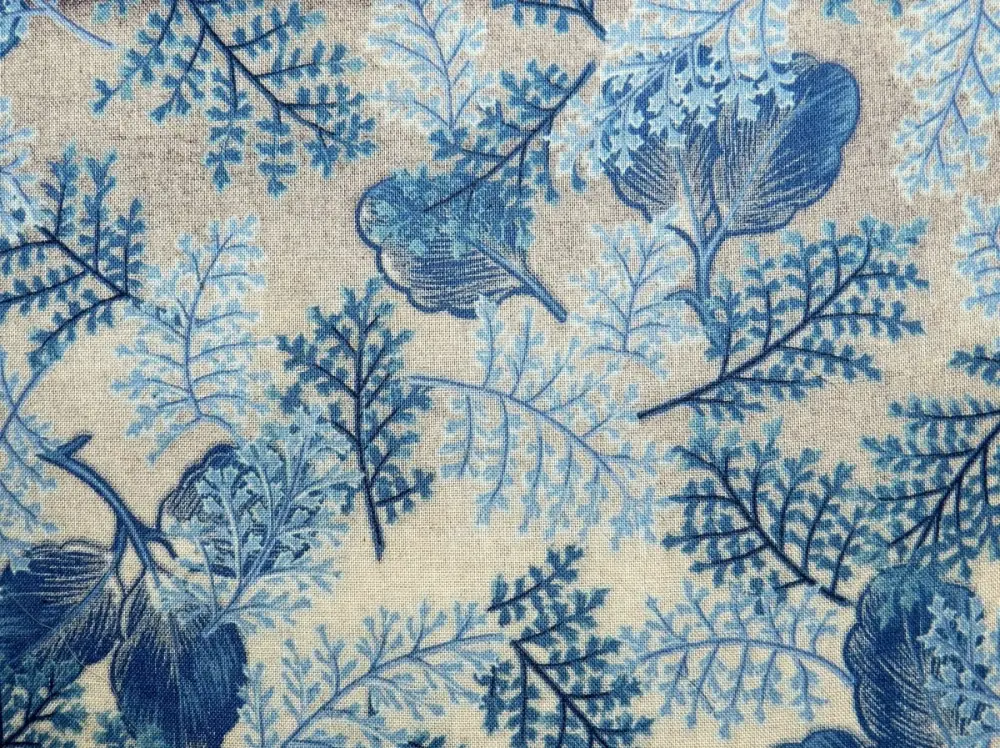
Free & Highly Useful Fabric Textures for Designers: Printed Fabric

This is another beautifully printed fabric texture available for anyone who wants to use a classy block printed fabric in their designs. It has white fabric and blue-colored flower block designs that make it look very natural and vintage. It can be a perfect background for fashion, textile, and handpainted designs.

23. Green Abstract Texture:
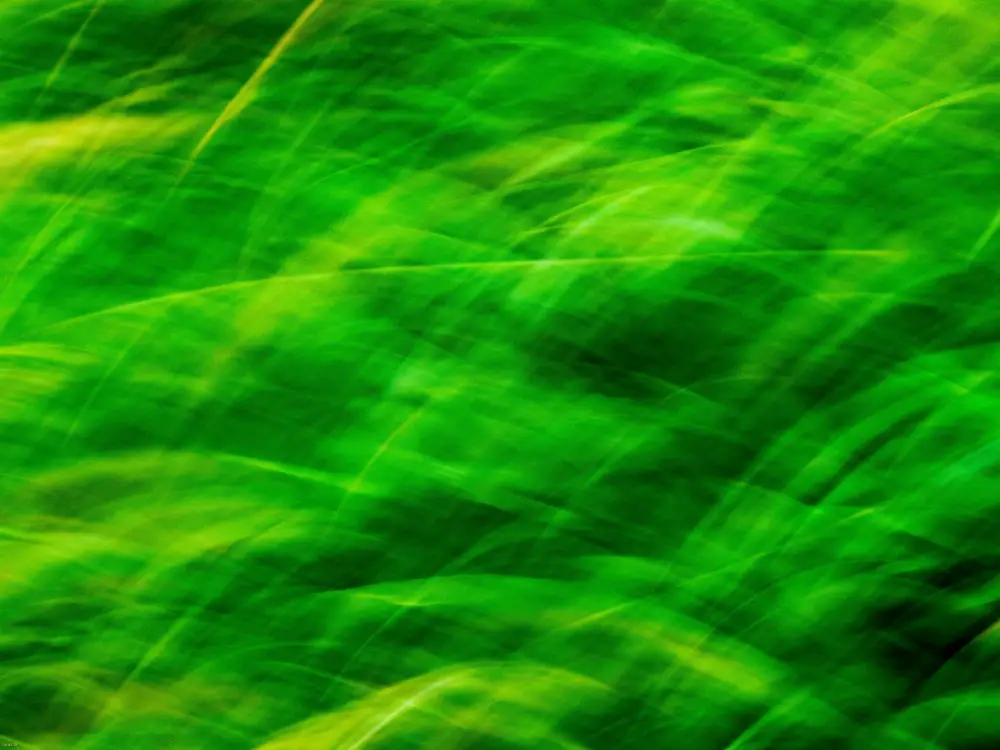
Free & Highly Useful Fabric Textures for Designers: Green Abstract

This unique texture has a deep and saturated green color with a stylish texture. You get a texture of crumbled fabric which gives an honest and animated look. It is intense and essential simultaneously, which can become your helpful element in any design. So download this for free and save it for upcoming projects where you can use a green-colored minimalistic texture for an impressive look.

24. Pink Chiffon Fabric Texture:

Free & Highly Useful Fabric Textures for Designers: Pink Chiffon

Chiffon is the most loved fabric when it comes to design because it gives a soothing and minimalistic look without any complex elements. This pink chiffon texture has a pastel color theme and layered fabric texture that makes this image look very elegant and fascinating. You can make many fashions, apparel, jewelry, luxury, and various classy designs from this texture.

25. Rough and Realistic Texture:
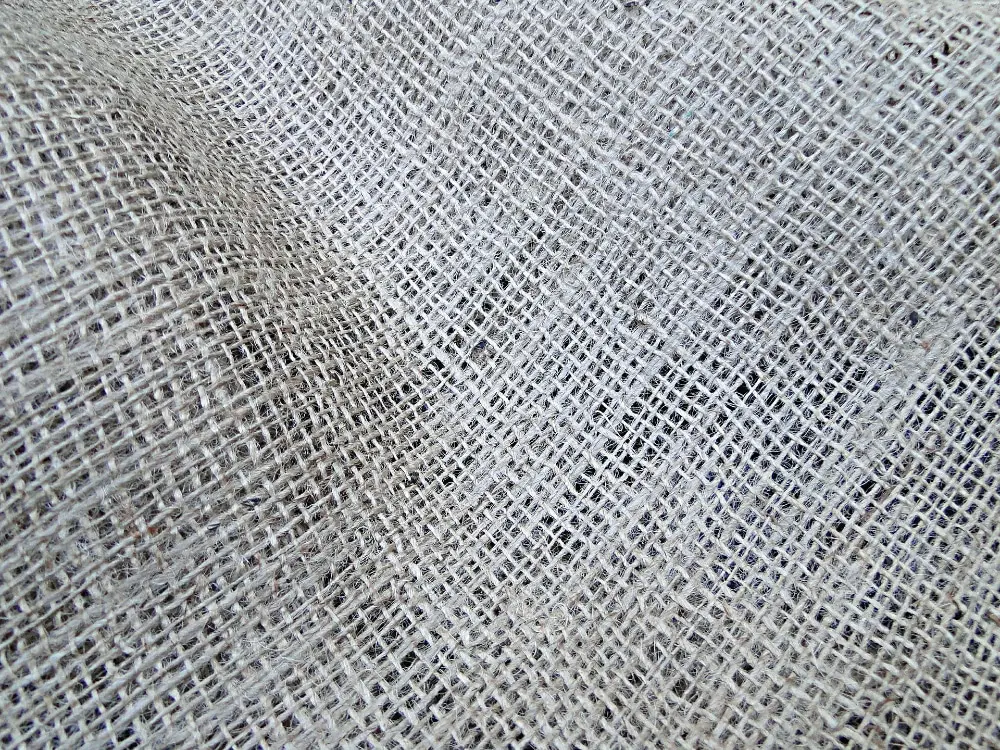
Free & Highly Useful Fabric Textures for Designers: Rough & realistic Texture

This jute material texture has a beautiful realistic and rough look. In addition, you get a seamless pattern and natural brown color from this image for free. So if you want to get a nice, clean and harsh fabric texture, then this one is the best for you.

26. Golden Texture of Satin Fabric:
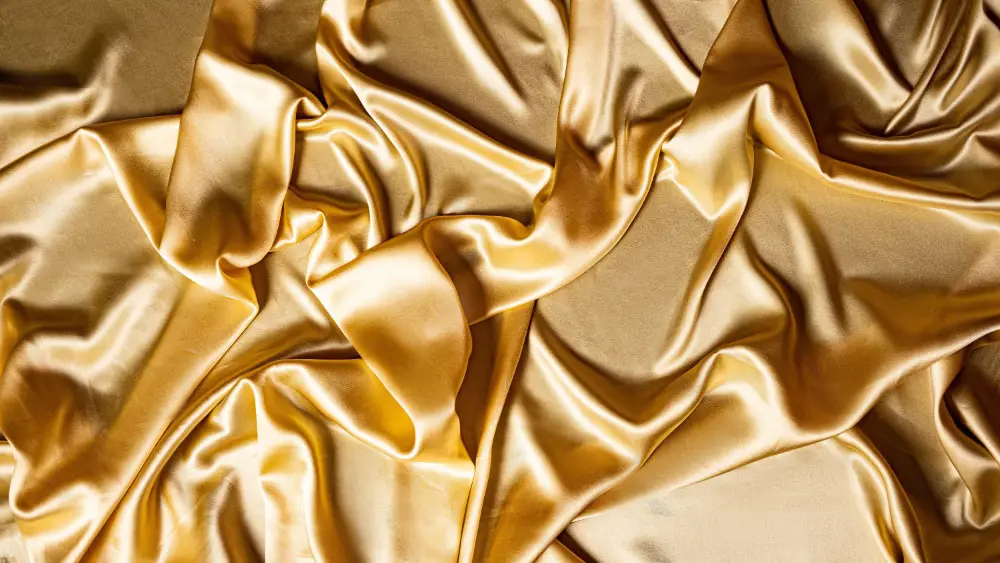
Free & Highly Useful Fabric Textures for Designers: Golden Satin Texture

With this excellent quality image, you get an alluring golden color fabric texture. This texture has gold satin fabric with natural folds and excellent gradients. It is sharp, striking, and very balanced texture to support you in many impactful designs. Overall it’s a great texture to save for elegant, luxurious, and innovative projects.

27. Shiny Dual Colored Purple Fabric:
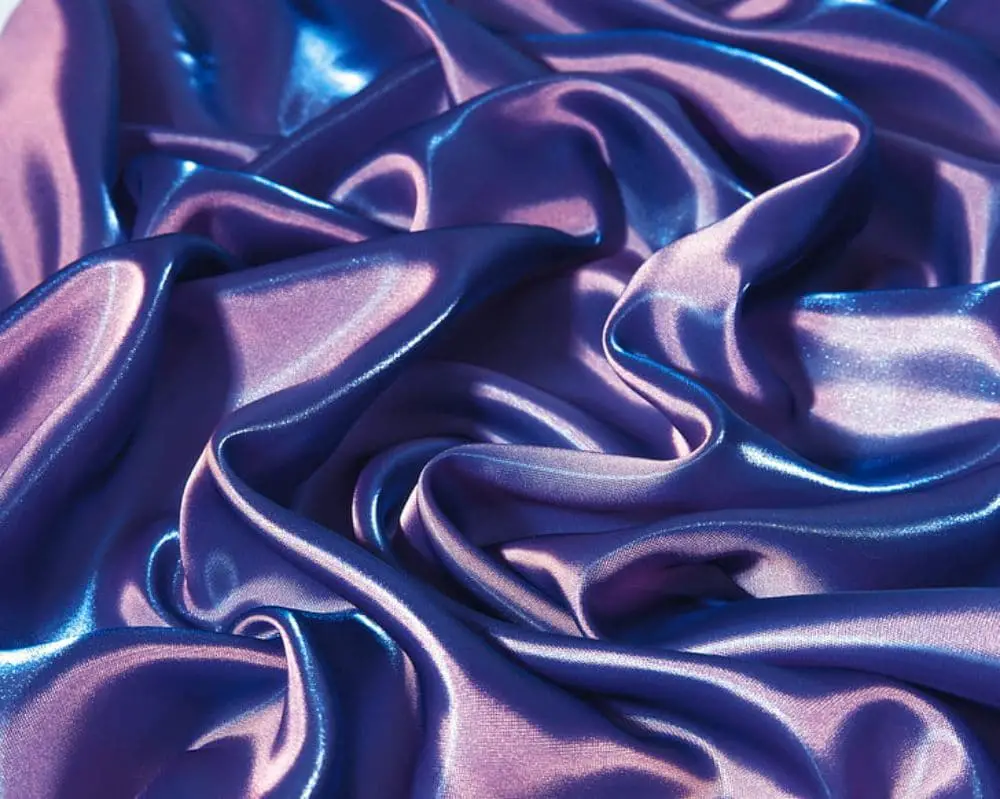
Free & Highly Useful Fabric Textures for Designers: Shiny Purple

If you want a unique silky and shiny fabric texture, then this one is just perfect. It has a sparkling texture of purple silk fabric and a dual-color effect as well. This elegant, fascinating and systematic texture is something you can surely use in such eccentric and eye-catchy designs.

With this list of fabric textures, your design can have a solid foundation, an impactful design element, and a perfect completing factor. Your work can become really easier if you choose the right texture and make your design around it. And just like that, there can be many other clever ways to utilize these good-quality textures and create perfect artwork.

If you are making a banner, ad, hoarding, flyer, or catalog related to fabric and clothing brands, then above listed textures can come as a fantastic help. We have crafted this collection with the best textures available online without any investment so that we can reach maximum professionals who like to collect attractive design assets in their break time for any of their future opportunities. So please select one or more than one texture and save it in your collection to reduce your time in researching and acquiring design elements for upcoming creative projects.

The post 27 Free Fabric Textures for Designers to Download first appeared on Web Design Dev.


via https://ift.tt/3AdD4Cs

Design your way

Removing a background from an image is extremely useful when it comes to creating content for blogs, social media, or other online platforms. It allows creators to make sure every image they post is on brand.

There are many ways you can make an image background transparent. You can use a computer, tablet, phone, or web browser app. Some of these options are free and easy to use, while others might require some editing skills or a paid subscription.

Why remove the background from an image?

People remove backgrounds for several reasons. First of all, it allows you to isolate the main focus of your image and make it stand out. .

When it comes to business-related use, a plain or neutral background with only foreground elements in view can come in handy. It creates a strong brand image, as well as a cleaner look for flyers and brochures.

Sometimes, image backgrounds don’t suit your overall aesthetics. This is crucial when it comes to social media and blog posts. Removing the background and replacing it with another image can change your story, and allow you to express yourself more clearly.

3 ways to remove an image background

1.   Photoshop

Adobe Photoshop is an image manipulation program for desktop. There is an accompanying tablet and smartphone app that includes many of the program’s larger features, such as background removal.

To be more specific, the removal tool is called the object selection tool. It allows users to select the foreground section of an image and keep it. Once the foreground is selected, removal is as simple as clicking the create layer mask option.

Photoshop is not the fastest background removal method, but you do get excellent results. However, you’ll have to do a little bit of learning before you start editing. Unfortunately, Photoshop is not a free software.

2.   Background Remover by Depositphotos

This is the easiest app to use, and it has the most intuitive and clean interface. It removes  backgrounds at lightning speed and produces great results. This is the app to use when you’re short on time, or if you’re looking for a simple removal tool.

The Depositphotos tool is free to use, and it can be accessed using a simple web browser. All you have to do is click the upload button at the top of the page. The tool’s built-in AI technology automatically removes the background for you.

You can download your image after previewing the results. Users don’t need to have any graphic design skills whatsoever. This tool is simple and extremely useful.

3.   GIMP

The GNU Image Manipulation Program (GIMP) is free to download for both Windows and macOS. Just like Photoshop, GIMP is an image editing app that works exceptionally well, especially for a free one.

However, just like Photoshop, there is a learning curve when it comes to the different editing functions and where they are located. It is not as fast as the Depositphotos web app, nor is it as easy to use.

Background removal is remarkably similar to the desktop version of Photoshop. Unfortunately, removing backgrounds from images is more difficult with this tool, especially when compared to Depositphotos or Photoshop.

Conclusion

Removing the background from an image is a handy procedure to execute. It allows you to have the perfect images for your online content. All three solutions do the removal job excellently. However, some are easier to understand and use than others.

Along with ease of use, there is the time it takes to achieve results. Time-saving features are a must in today’s world, and the web apps listed above are as fast and intuitive as anything you could imagine.

Save your time and be more creative online.

The post 3 Ways to Remove the Background from an Image appeared first on Design your way.


Source: https://ift.tt/3Bf2PUa

Understanding Cumulative Layout Shift & Optimizing It

Friday, October 1, 2021

Optimizing websites for Search Engines is increasingly becoming an essential part of the marketing strategy of people. The importance of SEO has grown multifold, with more and more firms understanding its implications. Now every brand wants to appear on the first page of Google Search. With this rising push for SEO, the competition is also increasing multifold. A lot of time and effort is spent understanding how the ranking works and then devising ways to better the ranking parameters for your website.

On the other hand, search engines like Google are really smart enough to understand that no matter how strong their algorithms are, marketers will find a way to cheat their way through it. Throughout history, this has been the pattern. Google brought keywords as a ranking factor, and users started stuffing their content with keywords. When backlinks were introduced, users resorted to black hat SEO to get thousands of backlinks to their websites. Google had to then tweak it to quality over quantity. 

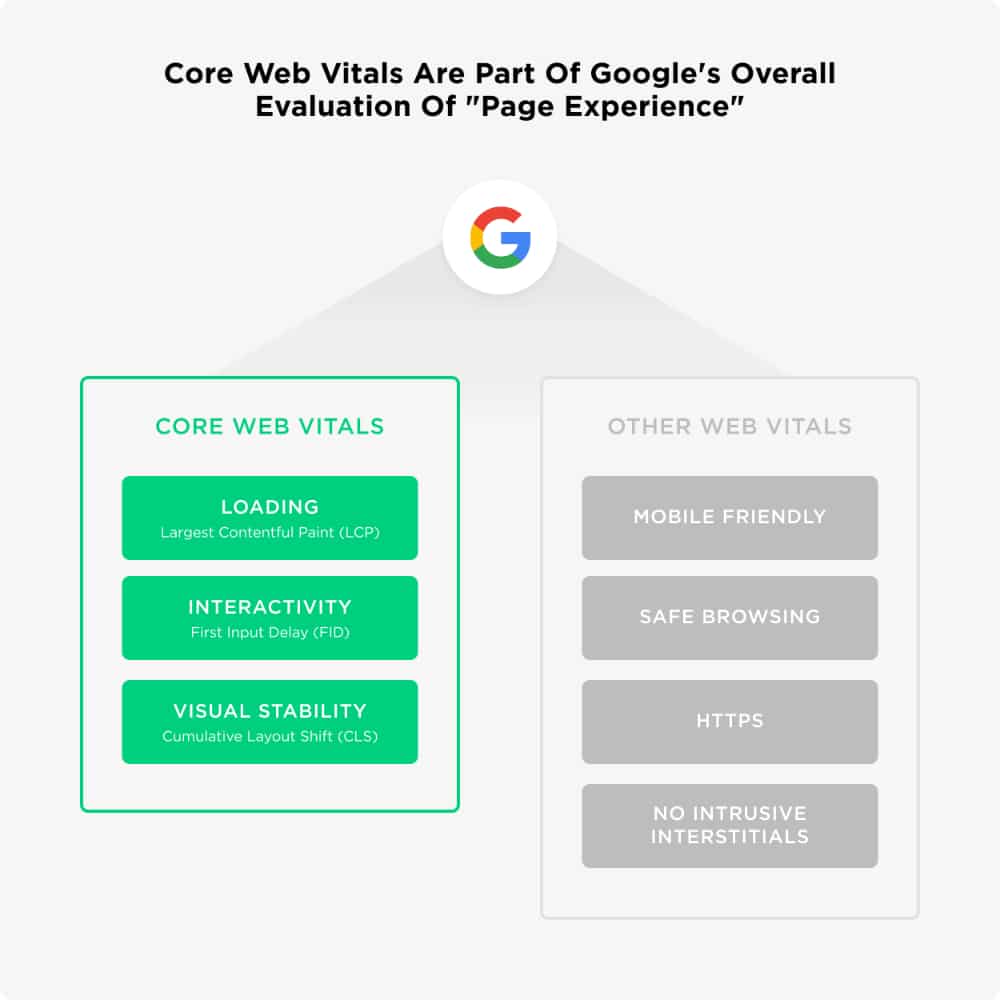
In the latest update to its SEO parameters, Google has added Core Web Vitals as essential metrics to the website’s page rank. These parameters measure the user experience of the website. With increasing SEO competition, Google realized that the quality of its search engine results was hampered. Users today want the most relevant content to their search query, and that too in a form that is good to view and consume. This became the foundation for the Core Web Vitals. 

What are Core Web Vitals:

The core web vitals form the more important set of the Web Vital parameters listed by Google. At present, the total Web Vitals parameters are:

  • Core Web Vitals:
    • Loading Contentful Paint – to quantify loading experience
    • First Input Delay – to gauge the speed of interaction
    • Cumulative Layout Shift – to measure visual stability
  • Other Web Vitals:
    • Mobile Friendly
    • Safe Browsing
    • HTTP
    • No Intrusive Interstitial

Understanding Cumulative Layout Shift & Optimizing Your Website For It: Web Vitals

While the other web vitals focus more on aspects like responsiveness and website security, the Core Web Vitals measure the user experience for the website. These parameters are new to the SEO fraternity, and they have been quick in understanding how these metrics are measured. Based on their understanding, many hacks and tips have emerged that can help users better their Core Web Vitals score.

Decoding Cumulative Layout Shift:

Cumulative Layout shift measures the negative impact any unexpected layout shift in the website has on the user experience. A layout shift can be described as any visible element change on the webpage that is not desired and has an impact on the user experience. 

As a user, you would have always come across websites that are not very visually stable. For example, while you are reading the text in the article, all of a sudden, an image starts to load, and the entire text is pushed down. Or you are about to click on a button, but again an image or a video box is loaded, and the button is pushed down. You accidentally end up clicking on the Ad instead of the button and are therefore directed to the ad page. All such experiences can be really annoying for the users.

Understanding Cumulative Layout Shift & Optimizing Your Website For It: Web Vitals: CLS Example

Google has developed the CLS parameter to quantify such unstable behavior of the website. Fundamentally a website is made up of content blocks. Most of the websites use a table wireframe, and hence we see well-structured rows and columns. In each cell, content pieces are inserted in the form of text, images, videos, or other creative media. When a user opens the website, each of the content pieces is fetched from the server. Because of their varied nature, each content piece will take a different time to load. 

Text usually loads really quickly, while high-resolution videos will take a longer time. Hence, the text gets loaded quickly and is visible to the user who starts interacting with it. But within seconds, the other elements on top or side of the text load, which impacts the text’s positioning, pushing it away from the user’s eye. 

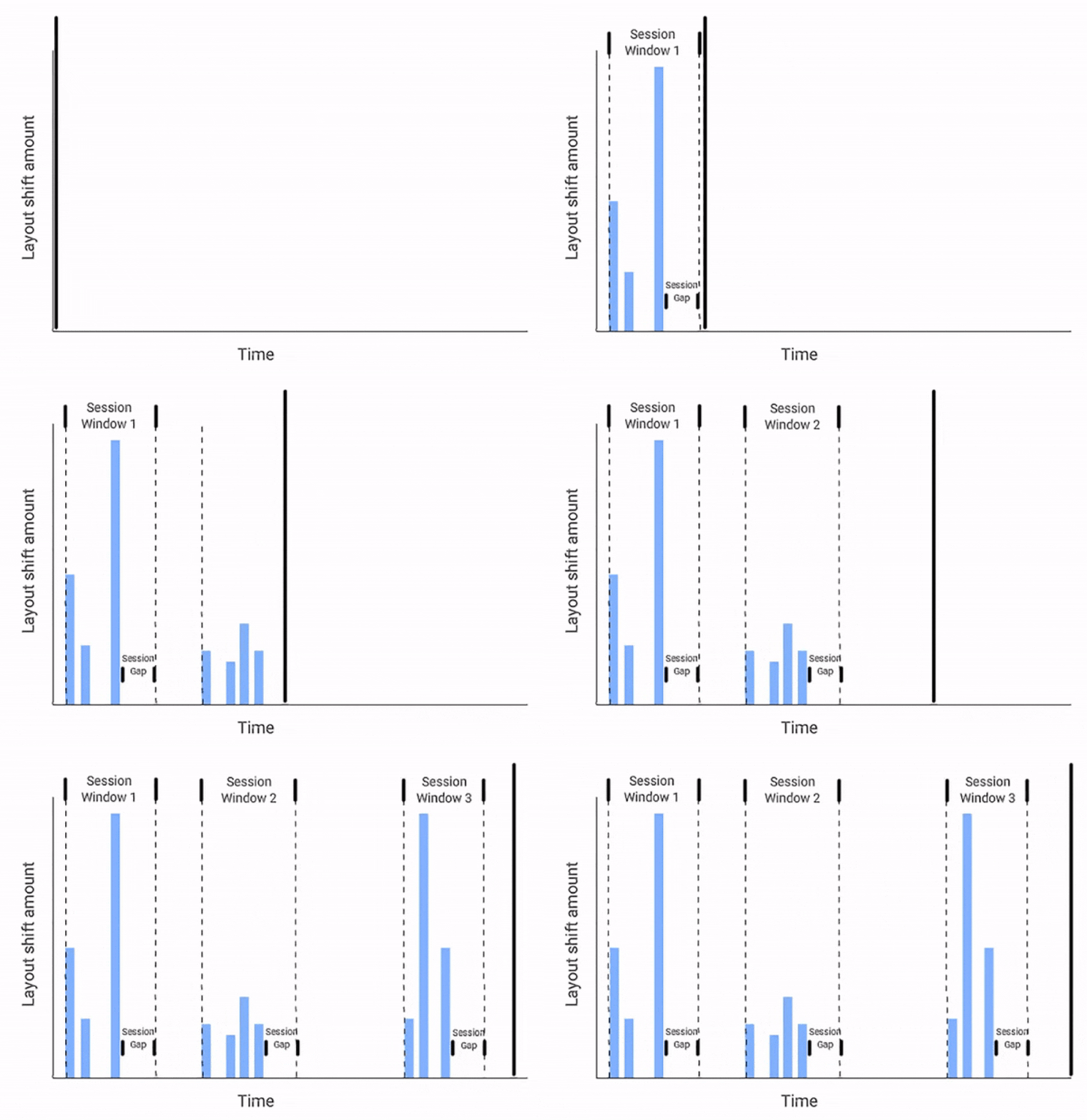
CLS measures a burst of such layout shifts. A session window is considered as the series of layout shifts taking place in succession with less than a 1-second difference in each shift and a maximum of 5 seconds difference for the entire duration of the webpage window. The higher gap will mean more erratic behavior of layout and, therefore, a bad user experience. This will correspond to a lesser CLS score.

Understanding Cumulative Layout Shift & Optimizing Your Website For It: Web Vitals: Sessions

Measuring the Cumulative Layout Shift: 

The CLS is calculated in a very scientific way. To understand the process, we need to know the following terms:

  • Viewport: The visible screen of the user where the user can view and interact with the webpage.
  • Rendered Frames: Just like videos are made up of 24 frames per second, the website is made of several frames that are rendered at speed dependent on the website loading parameters.
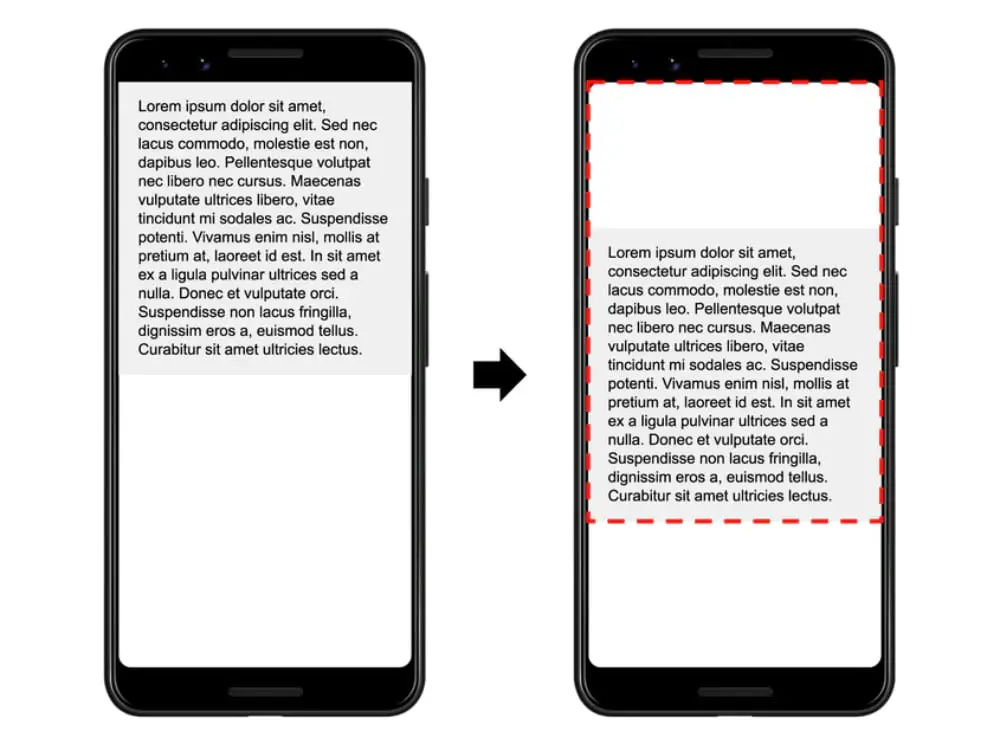
  • Impact Fraction: This is the metric that calculates the unstable content element’s impact on the viewport area between two successive frames. The image below shows the content piece occupying 50% of the viewport and then shifting down by 25%. Hence its impact fraction for the viewport will be 0.75 (50% + 25%).

Understanding Cumulative Layout Shift & Optimizing Your Website For It: Web Vitals: CLS Impact Fraction


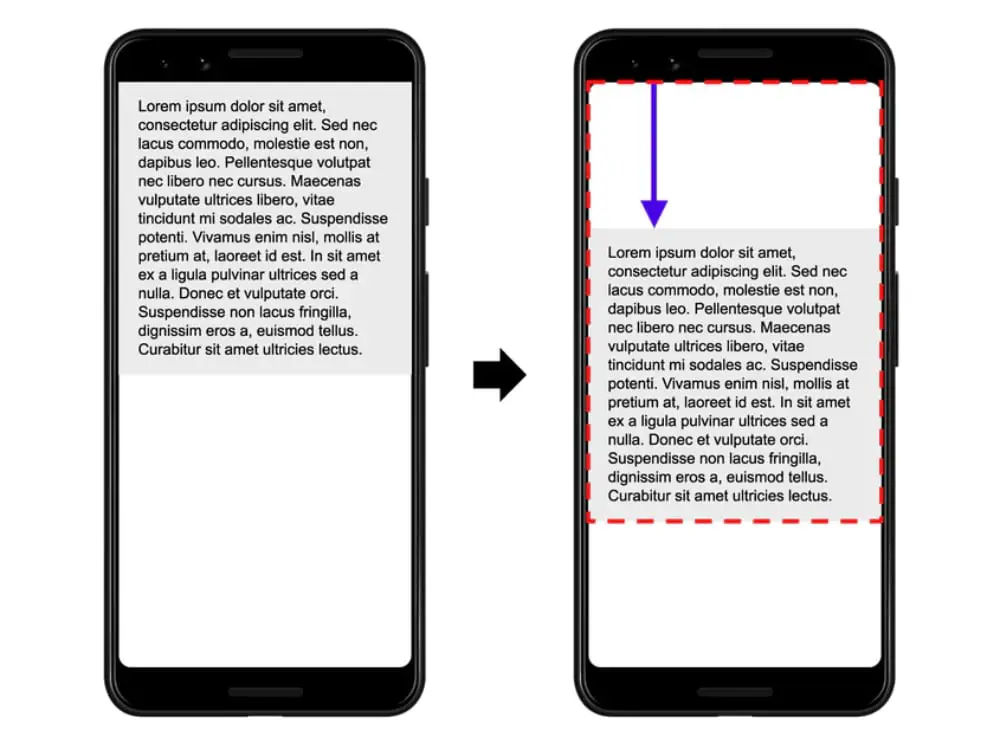
  • Distance Fraction: This metric gives an indication of how much distance has the unstable content elements moved with respect to the viewport. This can be in the horizontal or vertical direction or can be even both. However, the largest viewport dimension is considered as base. In the image below, the content element has moved 25% down after rendering, making the distance fraction 0.25.  

Understanding Cumulative Layout Shift & Optimizing Your Website For It: Web Vitals: CLS Distance Fraction


The Cumulative Layout Shift score is the product of the impact fraction and the distance fraction. 

CLS = Impact Fraction * Distance Fraction

In the example cited above, the CLS score will come out to be (0.75*0.25) 0.1875. 

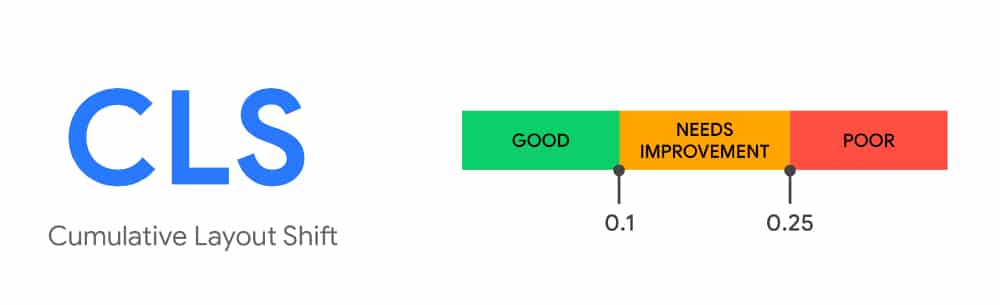
An Ideal CLS score that all websites should target is 0.1 or less. Websites with just text content and no external interference can get near to almost 0 CLS score. While websites that are too much loaded with content, have bad loading speed and depend on many external APIs can have scored more than 0.25. 

Understanding Cumulative Layout Shift & Optimizing Your Website For It: Web Vitals: CLS Ideal Score

You are obviously not going to calculate the CLS score manually for your websites. However, there are many good online tools available that can help you with this:

How to Optimize Cumulative Layout Shift for your website:

1. Handling Images with Care:

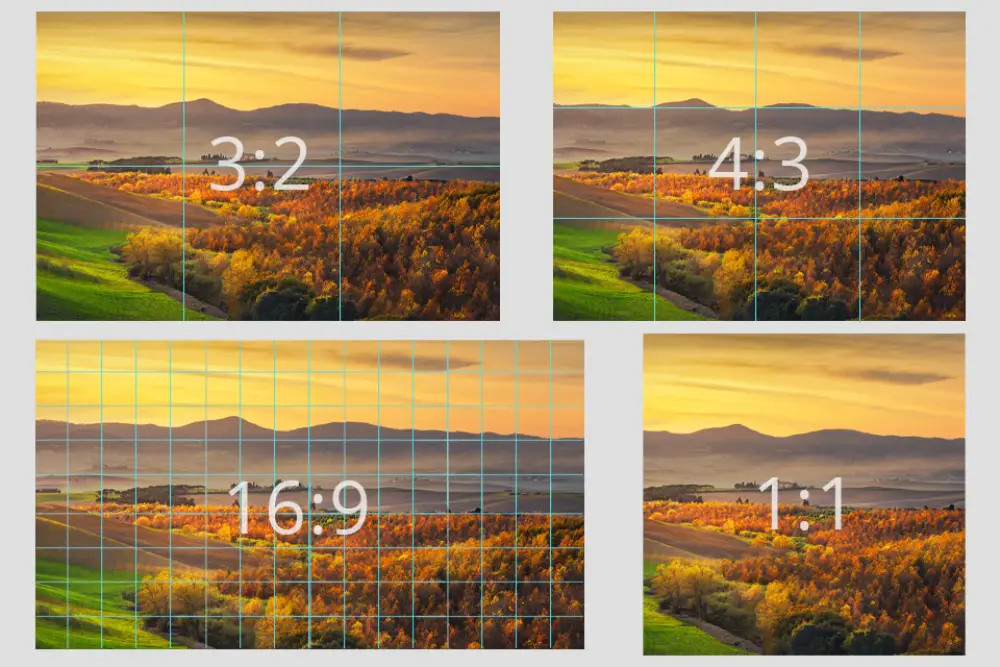
Understanding Cumulative Layout Shift & Optimizing Your Website For It: Web Vitals: Images Aspect Ratio

A standard way of using images on the website is by defining their height and width. Some developers have the habit of working on the basis of %. If they want to use the image in half its size, then they would conveniently mention 50% in the image attributes. But this will not provide the browser with important information about how many portions of the viewport the image will take. Hence it is important to mention the aspect ratio. This will keep the browser well informed, and thereby it will allocate the requisite slot to the image when the webpage is rendering. This set slot will not disturb the other preloaded content and thereby help you improve your CLS score.  

2. Display Advertisements:

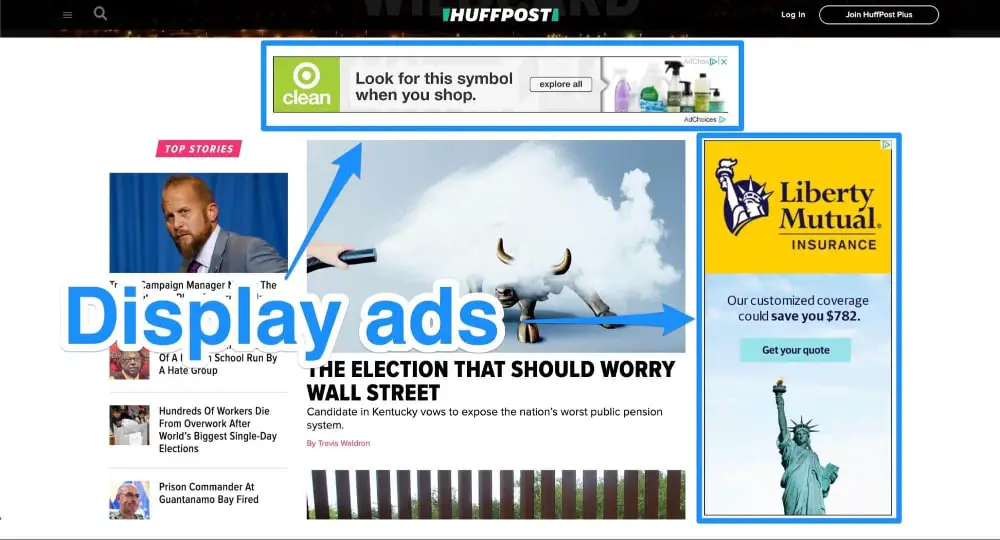
Understanding Cumulative Layout Shift & Optimizing Your Website For It: Web Vitals: Display Ads

The biggest culprit of bad CLS scores is display advertisements on websites. While in an ideal world, no website would want to put Ads because they always tend to be detrimental to user experience. But that would be a huge hit on the ad-driven website economy. In addition, because ads are dynamic, they tend to take different fractions of viewport each time they load. The following points can help you reduce the impacts Ads have on the CLS score:

  • Alway style the element before the ad tag library loads so as to reserve a specific slot size for the ad on the webpage.
  • Avoid placing non-stick ads near the top of the viewport as they will push down the other content and negatively affect the CLS score.
  • Always provide the largest possible size needed for the ads to display and leave the extra space blank. 
  • Do not collapse the ad boxes when Ads fail to display, instead leave them blank or convert them to white space.

3. iFrames & Embedded Content:

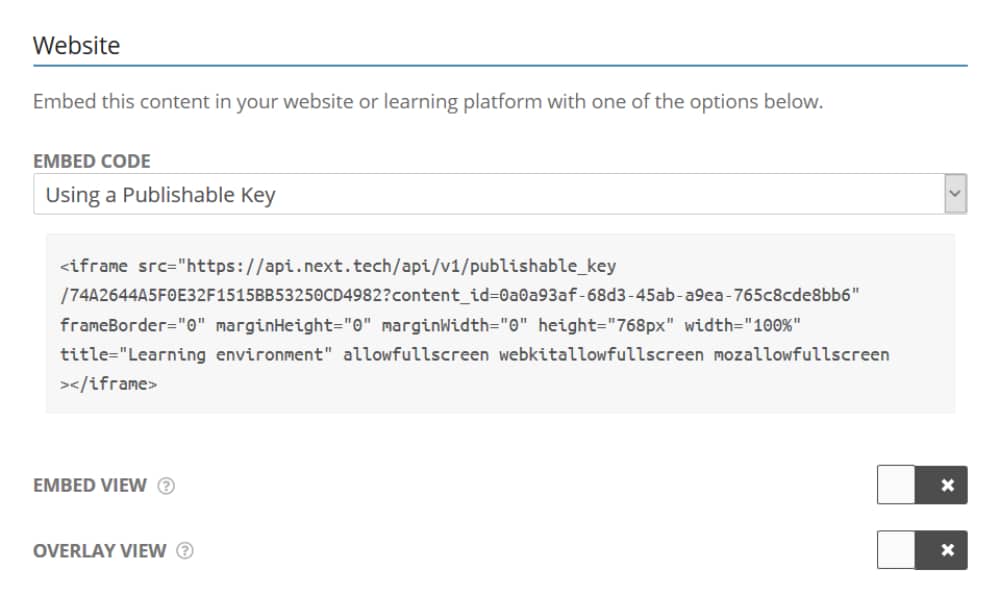
Understanding Cumulative Layout Shift & Optimizing Your Website For It: Web Vitals: Embeded Content

With an array of APIs available, developers are always tempted to deploy them on their websites to enhance their functionality. But this addition of third-party elements brings with them the uncertainty of loading time and size and hence impacts the CLS score. By adhering to the following points, you can mitigate the impact they have on the CLS score:  

  • Set the iFrame layout beforehand and use static codes to fix the slot size for the iFrames.
  • Do not use infinite loading or scrolling elements as they tend to be very dynamic; instead, use a read more button. 
  • Avoid using a flashy call to action that either pop up on the screen or disrupt the existing layout.

4. Using Web Fonts:

Understanding Cumulative Layout Shift & Optimizing Your Website For It: Web Vitals: Web Fonts

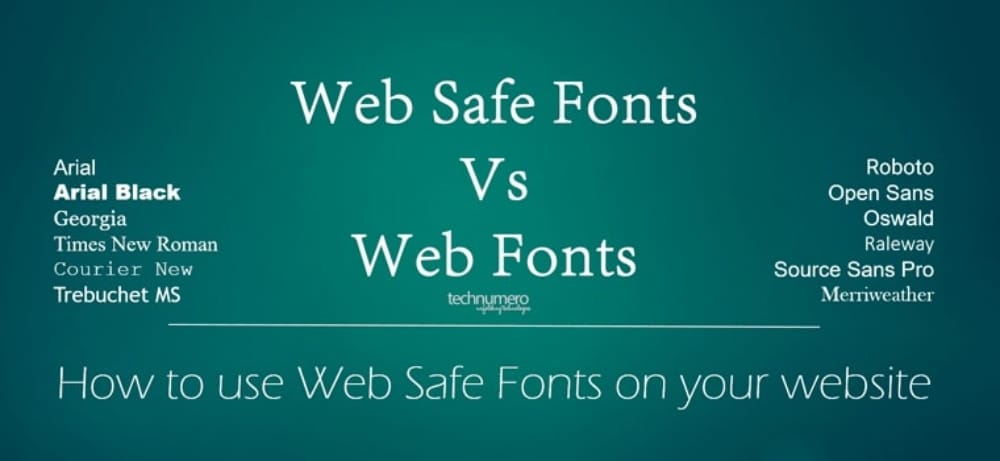
To make the website look more decorative, developers tend to use a variety of fonts. Unfortunately, some of these fonts may not be available across all browsers. In such a case, the browser first tries to load those fonts into the web page, but it shifts to a different web font when it is not available. This font will take up different layout spaces and thereby cause a shift in layout, pushing the other content and thereby negatively impacting the CLS score. To avoid such scenarios, use standard web fonts and add code to preload optional fonts.

5. Adding Animations or Transitions to Web Elements:

Understanding Cumulative Layout Shift & Optimizing Your Website For It: Web Vitals: Website Animations

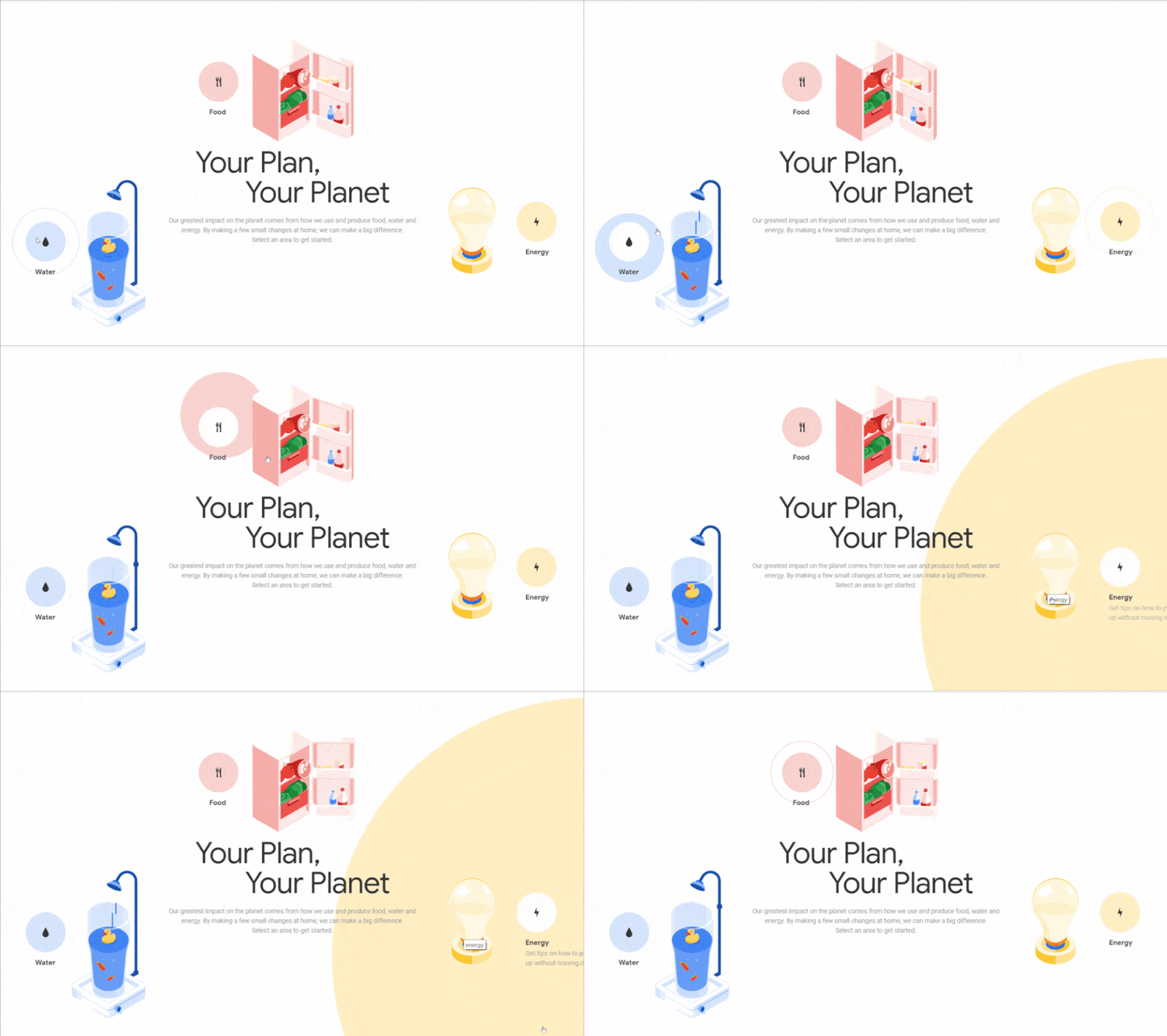
Fancy animations or transitions can make your website stand out and look creative. But these developments, if not done right, can have a huge impact on your website’s CLS score. By its very nature, these codes will move things around on the website during its loading journey. Hence they need to be taken into consideration. Hence you should opt for transform animations rather than going for animations that trigger layout changes. In addition, triggers such as box size, box-shadow, and more should be carefully dealt with.

6. Not Adhering to Wireframes:

Understanding Cumulative Layout Shift & Optimizing Your Website For It: Web Vitals: Website Wireframe

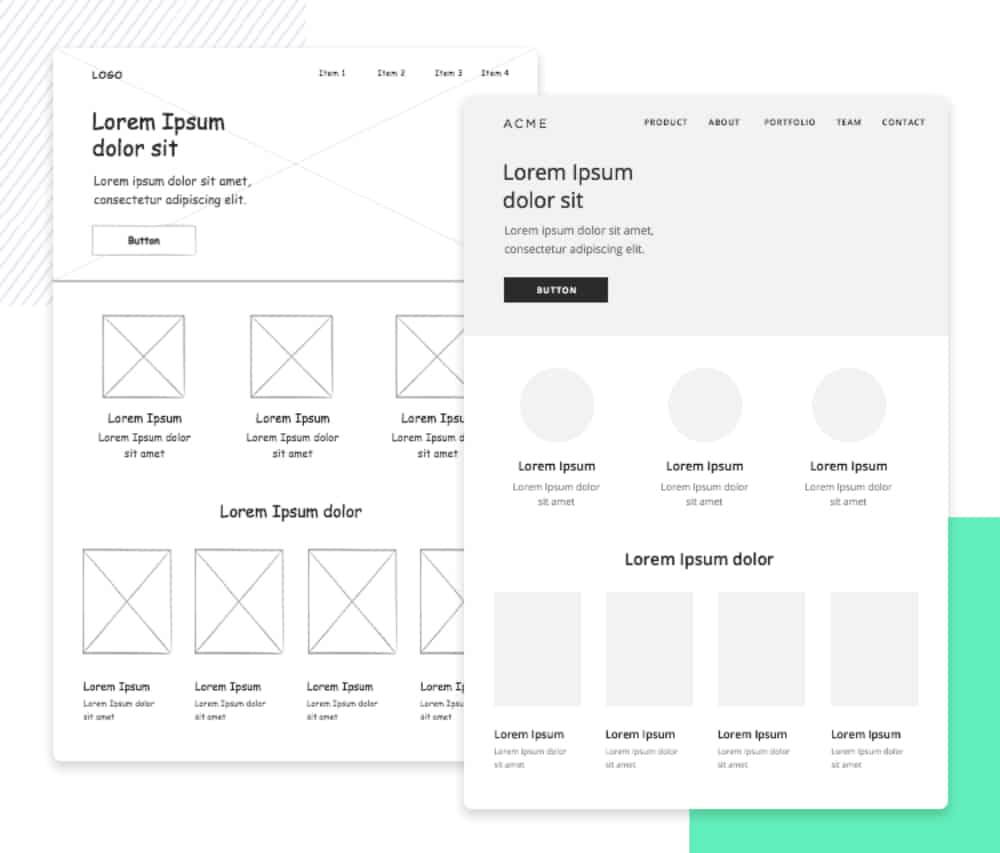
Wireframes form the core foundation of any website, and not remaining committed to it will harm your website. In the initial stages, the website’s wireframe in the form of a table structure composed of rows and columns is formulated. This needs to be given importance, and both developers and clients should approve it to avoid changes post-development. Each cell is interlinked with each other, and suddenly, the cell in terms of the content piece or its layout position will impact the other cells, which will hurt the CLS score. Not adhering to wireframes can also have a huge negative impact on the responsiveness of the website. 

7. Better Server Response Time:

Understanding Cumulative Layout Shift & Optimizing Your Website For It: Web Vitals: Reduce Server Response Time

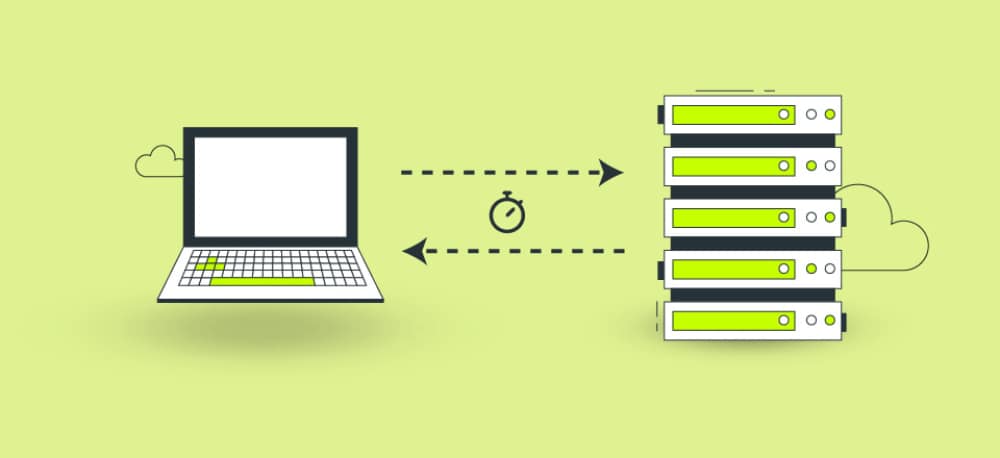
The CLS score is dependent on the way in which the website is rendered. This can be affected by the server response time. If your website is hosted on a really slow server, then it will take more time for each content piece to load, especially the images and videos. As a developer, you should monitor the Time To First Byte parameter of the server and try to optimize it through the following hacks:

  • Use the right web framework to optimize your server speed
  • Explore the option of routing users to alternate Content Delivery Network (CDN)
  • Keep caching web pages on the server-side 
  • Load HTML pages first as they are quick to load
  • Try to avoid third-party interlinks or code to establish them early

8. Optimize Images, CSS & Java Scripts:

Understanding Cumulative Layout Shift & Optimizing Your Website For It: Web Vitals: Image Optimization

One of the most common pieces of advice for bettering SEO scores is optimizing the website content. This optimization also has a positive impact on the CLS score. Images should never be used on a website without optimizing them. There are many good third-party tools available like Tiny PNG or Bulk Resize that can help you reduce their size without much impact on the quality of the image. In the same way, you should also optimize the CSS and Java Scripts used for the website as they have a small impact on bettering the CLS score.

The entire concept of Cumulative Layout Shift is a bit new, and people are trying to learn more about it and figure out how best to optimize websites for achieving the lowest CLS score possible. Fundamentally it is about having a website that behaves in a highly visually stable manner and avoids throwing up surprises to the users. Given how resourceful the method is for monitoring website user experience, CLS is here to stay. Hence, developers should quickly work on adopting the above points to improve their website. 

The post Understanding Cumulative Layout Shift & Optimizing It first appeared on Web Design Dev.


via https://ift.tt/3uzXYdN
 

The Cash Box Blueprint

Most Reading