Guide for Typography in Mobile Web Design

Friday, January 4, 2019

When it comes to typography in mobile web design, it is best to keep it simple. With responsive mobile design taking center stage, it is becoming increasingly important to prioritize mobile user experience. When it comes to typography, what works on the desktop screen will not work on mobile devices. Mobile screens should be designed keeping aesthetics and functionality in mind. To understand the best practices for the use of type in mobile, you have to delve deeper into the world of typography in both web and mobile design.
Basics of typography in Web design

Typography is the art of arranging letters to make the written content readable and appealing. This can be done in a variety of ways. By selecting typefaces, font family, point sizes, line length, and spacing you are able to play with the overall design of a word. When designing type, you have to keep the tiniest details in mind. The emotive quality of these typefaces helps us express and communicate ideas with clarity.

When a user visits your webpage, content alone will not keep them interested and engaged. You typography choices can have a major impact on the users behavioral patterns. For the users to give your websites copy a read, you have to create a webpage that is easily readable. These are some ways in which typography affects your end users.
Sets the tone and the mood of the site

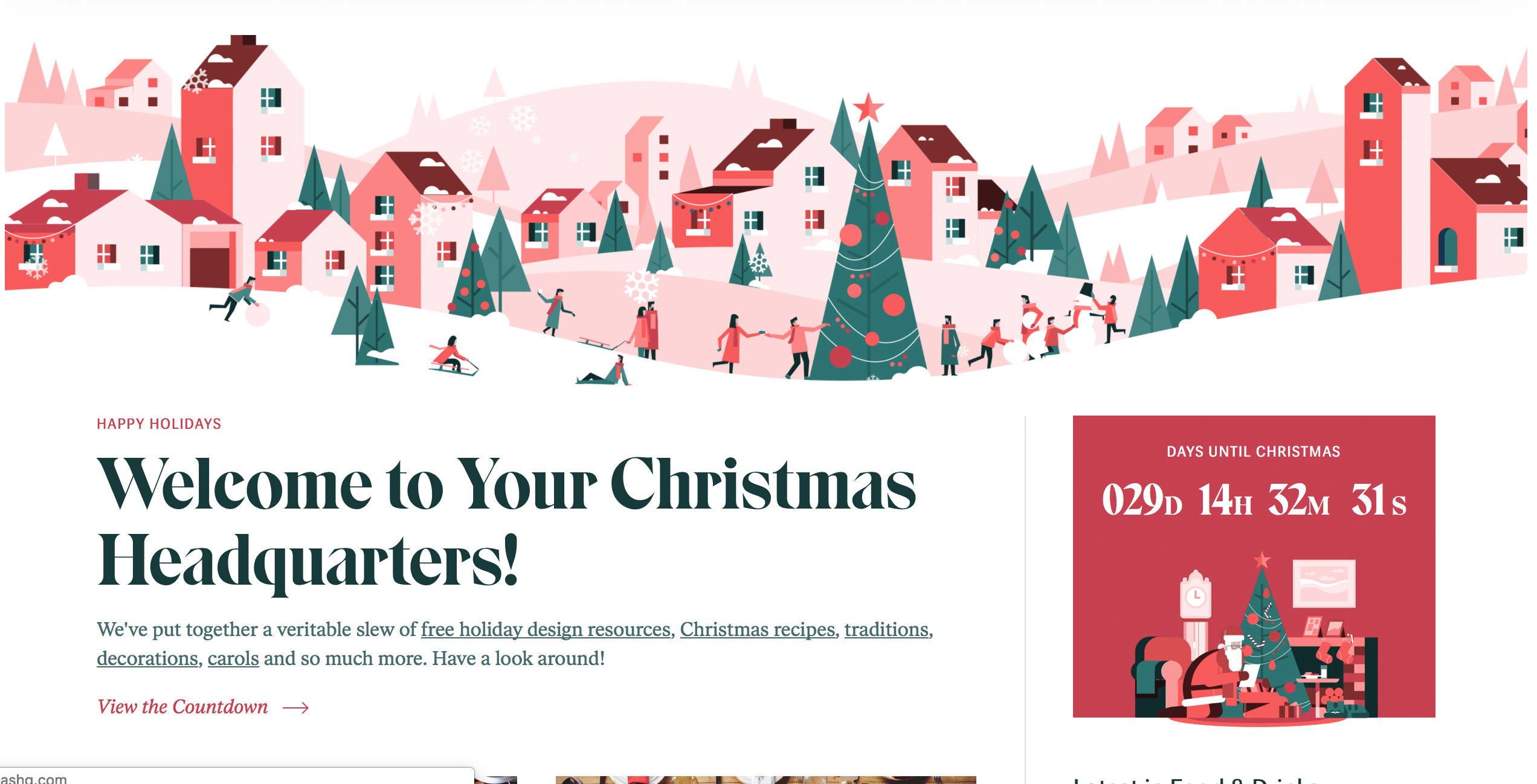
Typography helps reinforce a brand. The nuances of a typeface invoke emotions that can be used to draw a customer onto your webpage. By playing with different styles, sizes and type, you can convey different traits associated with the brand.

Readability, Scanning, and Accessibility

Readability is the ease with which a reader can consume a webpage. While legibility refers to the spacing and arrangement of glyphs in a word and how easily it can be discerned. By designing type on a screen and giving it the right sense of speed and ease, you can encourage a reader to read through your content.
To allow scanning, you have to format text right. This means that you would have to use header, inline lists and pull quotes.
When it comes to designing for mobile phones, there is a lot that can be done accessibility. This means that you should rely less on big, bold fonts and splashes of color. The idea is to draw the users to your content and it easier for them to read/glance through your message.
Typography for Mobile Web Design

Mobile Design is constantly changing and so is mobile typography. Let’s take a look at some of the best practices and elements that should be paid attention to when designing type for mobile devices.
1. Font

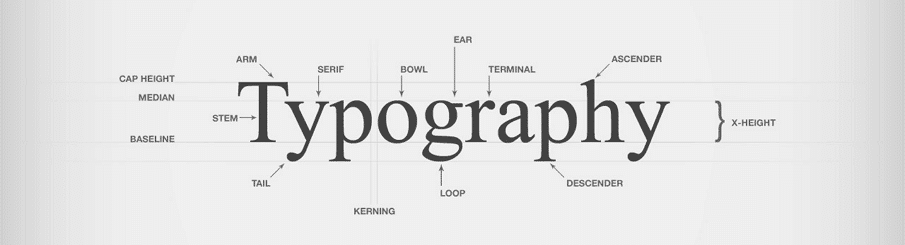
Fonts should be selected with utmost care when it comes to designing for the small screen. Different types of content will need different fonts. Over-decorative fonts may reduce the legibility. So it is advisable to use a clean and simple type that is easy to read and improves the overall user experience of the page.

 2. Font Size

The screen size of a mobile screen is limited. So the rules of selecting a font size on a desktop will not apply here. If you use really small text on the design, this will end up hurting the user’s eye while bigger texts may end up breaking the reading coherence. For IOS, user text sizes range from 10-11 points.

3. Typeface, Style, and brand

Mixing several typefaces can make your app seem fragmented and ultimately result in a poor reading experience. It would make sense to use different variants of a single typeface. In addition to this, it is also advisable to use the built-in text style that is built into the system. This will help you take advantage of the various features that come with a specific typeface.
4. Leading, Kerning, Tracking and Alignment

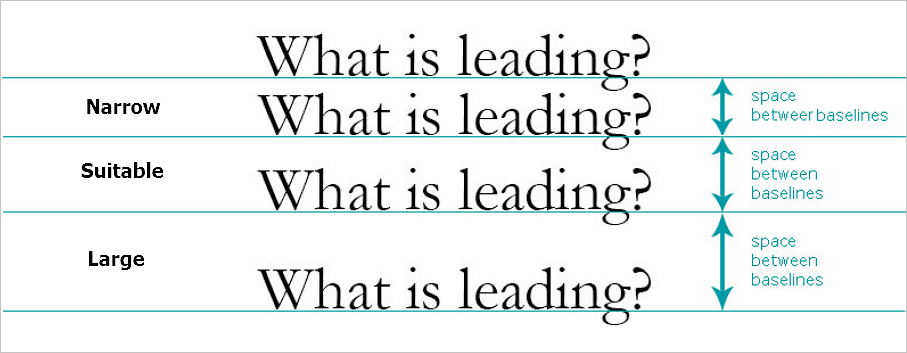
Leading refers to the space between the lines. Mobile screens are smaller in size, so you have to tighten the space between the lines to improve readability and design. 1.4em is the standard that designers like to use as a standard. Another common tip to know is that leading should be 120% the point size of the font.

Kerning, on the other hand, is the design of space between two letters. This has a huge impact on typography. Especially on mobile screens- you want to keep this space as consistent as possible.

Tracking is the overall spacing of the letters of all characters. It is easy to confuse the two. Effective tracking makes the content more readable.

When it comes to aligning text on screens, left justified alignment is often preferred. The key is to leave a clean rag and decrease the inconsistent white spaces between lines. Left side alignment ends up being the best choice because it allows users eye to jump from one end of a line to the next.

5. Line Length

Pay attention to line length and how it impacts typography on a mobile screen. To create a readable and harmonious web page, keep the character per line within 30-40.
6. Space

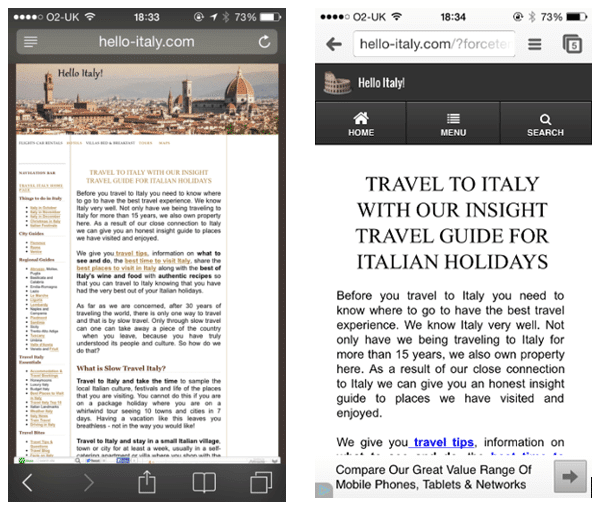
Space between lines, margins, paragraphs, and letters can help create a harmonious and visually appealing mobile web page. It can also help users better interact with the text. Stick to 10-20% range when designing your text container.
7. Hierarchy

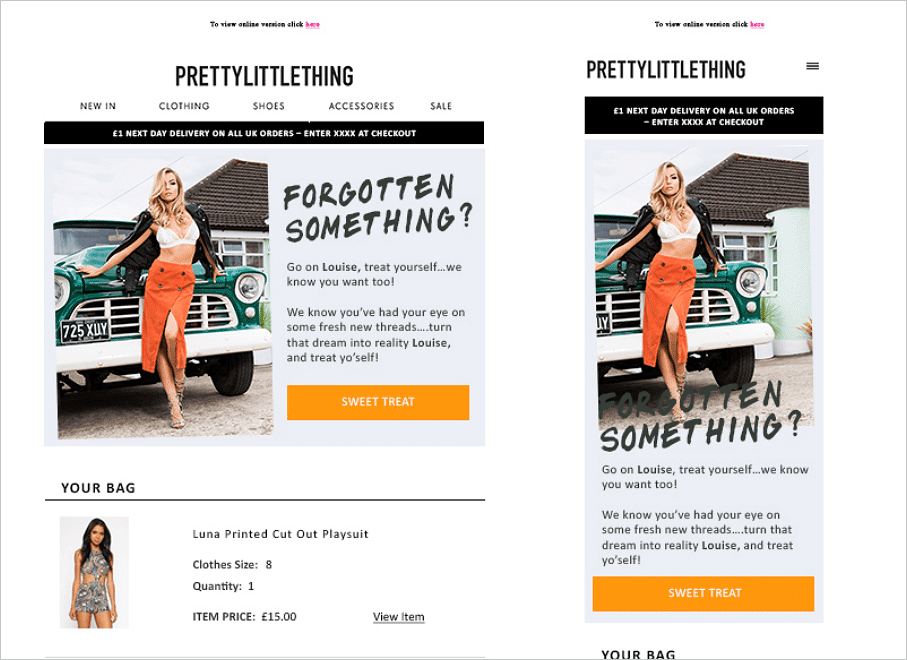
Use headline to grab the readers attention and the body of the text would be more focused on readable content

8. Contrast

You can use different elements in the mobile design to create a desired amount of contrast. The goal is to weaken the contrast as much as possible. This will enhance the readability and the overall user experience.
9. Functionality and Responsiveness

Always keep the function in mind when using a typeface. By using the right type in the right place, you can not only make it look beautiful but also usable. So for example, use a bigger font size on a button that you would want your users to click on.

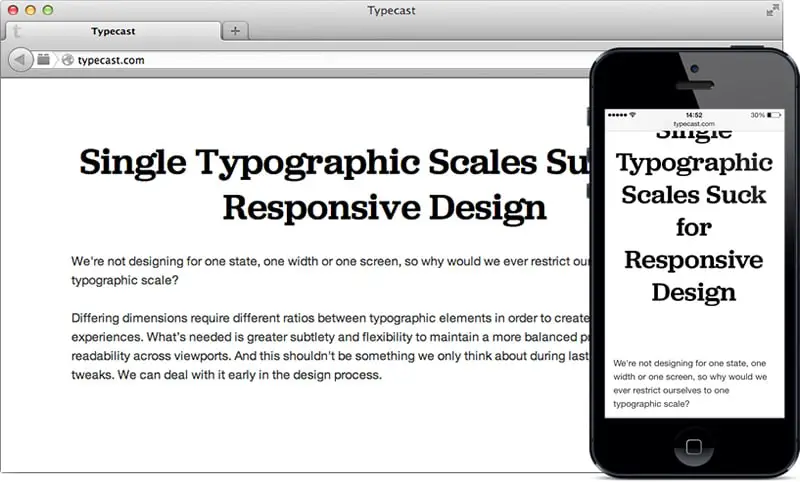
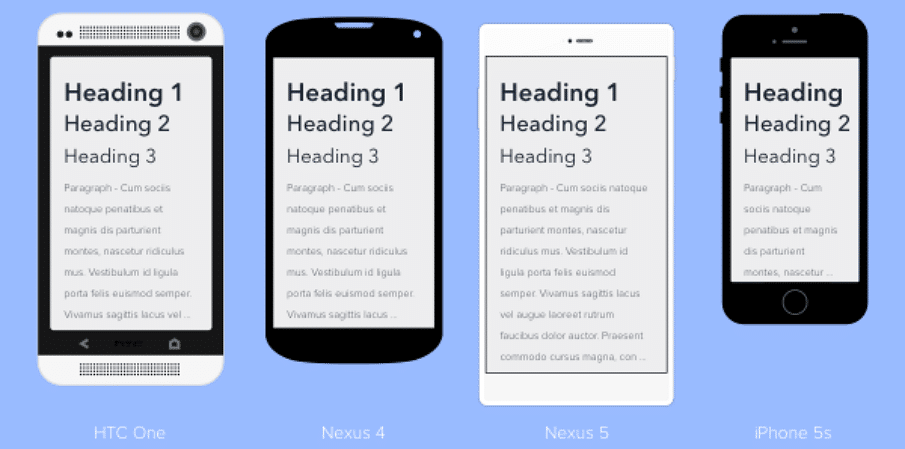
With responsive design taking over mobile screens. designers have started paying more attention to responsive typography. In fact, it is a requirement for designers to understand how the type will look different on different devices.

To recap, here are a few important factors/points to consider when choosing and designing type for the mobile screen. Start with a default system font if you have to. It is your safest choice and comes with features that can help you push the limits of mobile typography. Ditch decorative fonts and user serif or sans-serif font to keep it simple and readable. Add small touches of decoration if you have to but try to keep it minimal in design. Try not to use more than 2 typefaces on mobile screens and make sure they compliment each other. Try to use fonts that are compatible across all devices and platforms.

When it comes to mobile typography, it is best to stick to tried and tested choices that guarantee you the best user experience.

The post Guide for Typography in Mobile Web Design appeared first on Web Design Blog | Magazine for Designers.


via http://bit.ly/2Vp55UB

Design your way

Guide to Creating a Great Design Brief + Download Free Template

Thursday, January 3, 2019

A great design brief is a roadmap that guides creatives in the right direction and ensures that deliverables are in sync with the project expectations. Having your goals and expectations clearly defined on a sheet will help you not only be on the same page as your client but will also let you form a structure for the project. A good design brief will contain everything you need to complete the project on time. So start your research before you hop on that call with your client. Read up about their business, websites, blogs and try to understand what they offering is all about. When a client approaches you with a project, they are usually looking to solve a problem. As a designer, your task is to understand this problem and understanding a brand will enable you to respond to their needs in a systematic and methodical way.

We have gathered a list of 10 questions to ask yourself and the client when taking on a new project. This should help you gain a better understanding of your client and their business.

1. Client Information

Asking the right questions about the company and the client will help you gain a deeper perspective about them and their work. Here are some common and relevant questions to ask when starting a new project.
– What is the size of your company?
-What is their product or service?
-What is the story behind their business?
-Who are they targeting their business towards?

In addition, to this, finding out more about their personality and values will also help gain an intimate understanding of them and use this to set the overall tone of the project.

2. Project Description

It is important to set your project goals early on in the project. Your brief should ideally begin with this section — Include a paragraph about the entire scope of the project that you and your client can envision as a team. Here is a list of important points to consider:
-The objective behind the project
-What you want to accomplish
-Problems that brand is facing and how you would like to address them
-Metrics you will use to measure success or failure.

Knowing the deliverables and how your design files will be used will help you make better design choices.

3.Target Audience

Find out more about who your audiences are. You are ultimately trying to serve them by completing this project. In order to be able to reach the audience with your campaign, you have to know them. To properly identify them, ask the following questions:
-Demographic details – Age range, gender, race
-Behavioral patterns – How often do they use your service, try to put a face on your customer.

Using a portrait of your Target customer, you will be able to gauge how they think, feel and behave. This, in turn, will help you make better design choices.

4. Competition

Knowing your client’s competition is crucial to your project’s success. Who is your direct competition? How are they positioning themselves in the market? What can you do to steal market share? When you delve deeper into their weaknesses, you learn how to cope with the market share threats that will help you better position yourself in the market.

-Identify their strengths
-Identify their weaknesses
-Identify opportunities
-Identify threats

5. Deliverables

Every project is different and will have different needs and requirements. Listing them in order of preference and execution will help bring clarity to the entire project. It is also important to include the specifics about the final file formats that they require to finish the project.

6.Tone, Imagery, and Messaging

To be able to communicate your message across, you have to set the right tone. They should be in alignment with the overall mood of your project and the brand is perceived in the marketplace. The audience will pick up on the traits of the brand by sensing the tone from your designs. So ask the right questions about colors, imagery and how they would like the company to be represented.

7. Timeline and Budget

Set down firm expectations on when you expect a deliverable to be completed. It helps you stay on track to complete your campaign. You also have to figure out how much your client is willing to spend before you start the project. This protects you and the client and helps maintain the integrity of the designer-client relationship.

8. Ultimate goals and Metrics

Asking how they will measure the success of your project will help you make better design choices. This will help you design projects and experiences that can better serve the client and increase chances if having satisfied clients.

Writing a design brief can be time-consuming. But it is much better to ask the right questions at the right time so that you know where you both stand as a team. To increase the chances of having happy clients that will help you and your business thrive will ultimately guarantee a project’s success.
Creative briefs don’t have to be beautiful but it has to contain enough information about the project. Let’s take a look at some examples and templates that can serve as an inspiration for your next creative project.

The difference between a good design brief and a great one is the latter contains all the necessary information required for successful completion of a project. This brief contains useful information but lacks the information about the target audience, their strengths, budget, and other deadlines.

Whereas the brief below has all the information that a designer would need to start the project. The designer is aware of the project deadline, tone, brand guidelines, and the theme.

Free Design Brief Template

Inspired? Download this free creative brief template to get a head start on your next creative project!

The post Guide to Creating a Great Design Brief + Download Free Template appeared first on Line25.


Source: http://bit.ly/2Tot4kT

25 Best SEO Agency & Company WordPress Themes

Wednesday, January 2, 2019

Are you looking to find a great WordPress theme for an SEO company? What should you look for when buying one? Selecting a theme is an important part of the website building process, as it is responsible for not the user interface design but its functionality as well. When building a website, business owners should not only consider buying a theme that can best highlight their services and help bring their work forward, but also a theme that is optimized for search engines such as Google, Yahoo, Bing and others. There is a wide array of themes that are catered toward different businesses. We have gathered some of the best WordPress themes for SEO agencies and companies. Some of the themes on this list are general themes that are SEO-optimized and use SEO best practices. Hopefully, this list should answer all your questions about picking the best SEO WP theme for your business.

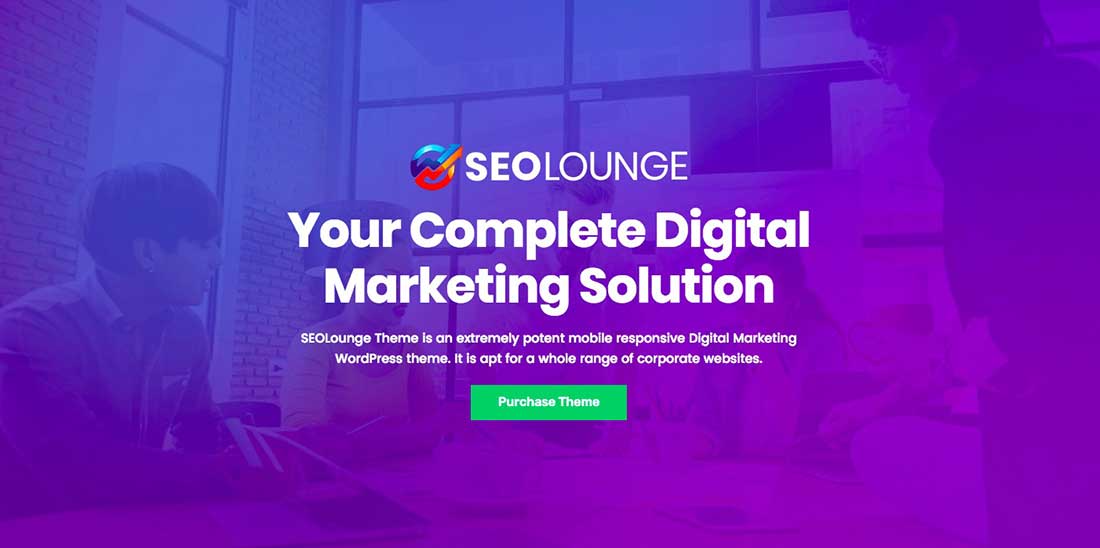
SEOLounge – SEO Agency WordPress Theme

1 SEOLounge - SEO Agency WordPress Theme

This theme works great for SEO and digital marketing companies. Being an SEO oriented theme, it offers great customer support for all its users.

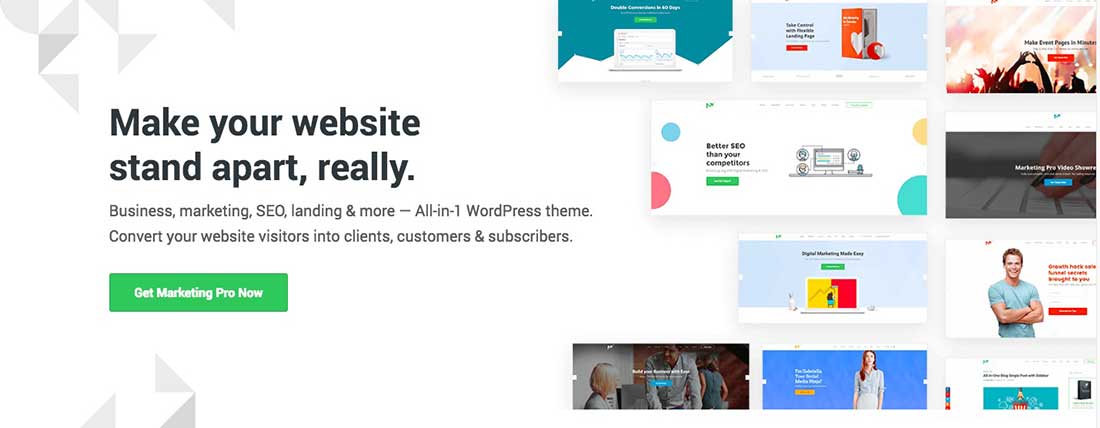
Marketing Pro – SEO WordPress Theme for SEO, Agency

2 Marketing Pro - SEO WordPress Theme for SEO, Agency


This theme is built for digital marketers, SEO experts, and business owners. With over 9+ beautifully designed ready-made templates, users are able to create web pages that not only look good but also convert well. It also has an embedded drag and drop builder that lets you edit and create landing pages, web pages, blog posts and other web pages that can be specifically catered towards your target audience.

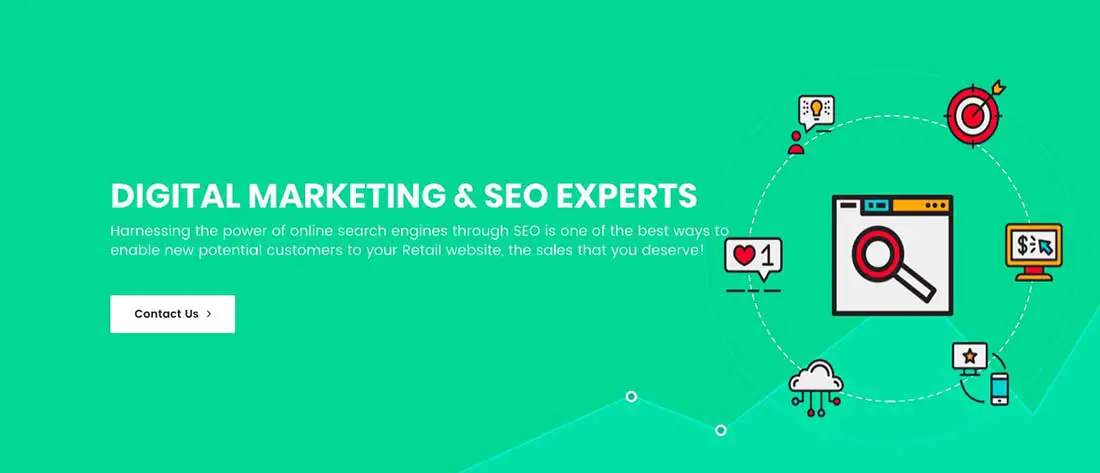
Marketing & SEO | SEO Grow Marketing

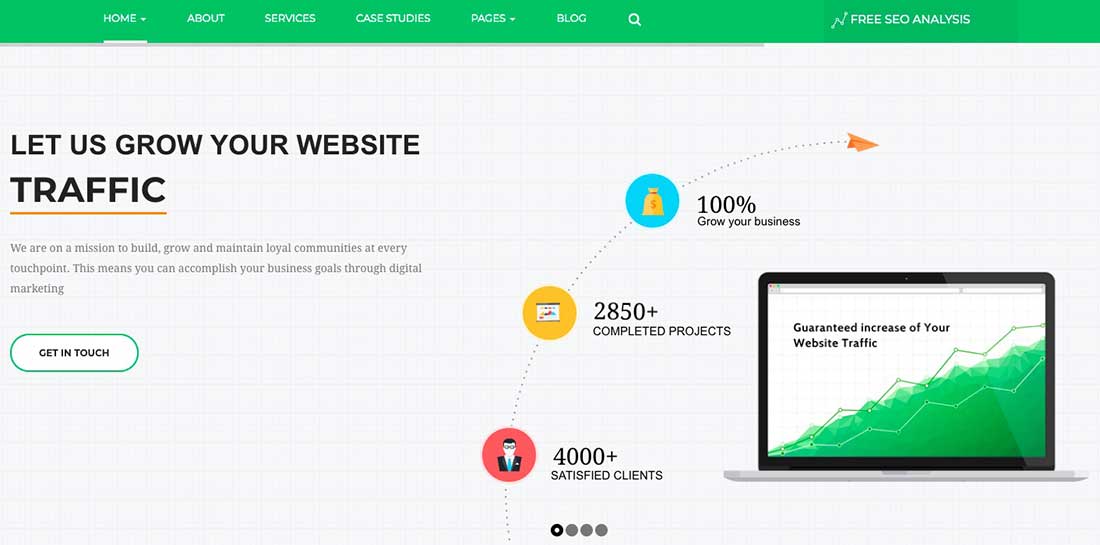
3 Marketing & SEO | SEO Grow Marketing

SEO grow is a word press theme specifically made for SEO and online marketing industry. It comes with three homepage variations with readily made sections, blocks, and elements. Being an SEO oriented theme, it is ideal for SEO companies, digital marketing companies, ad agencies, and creative firms.

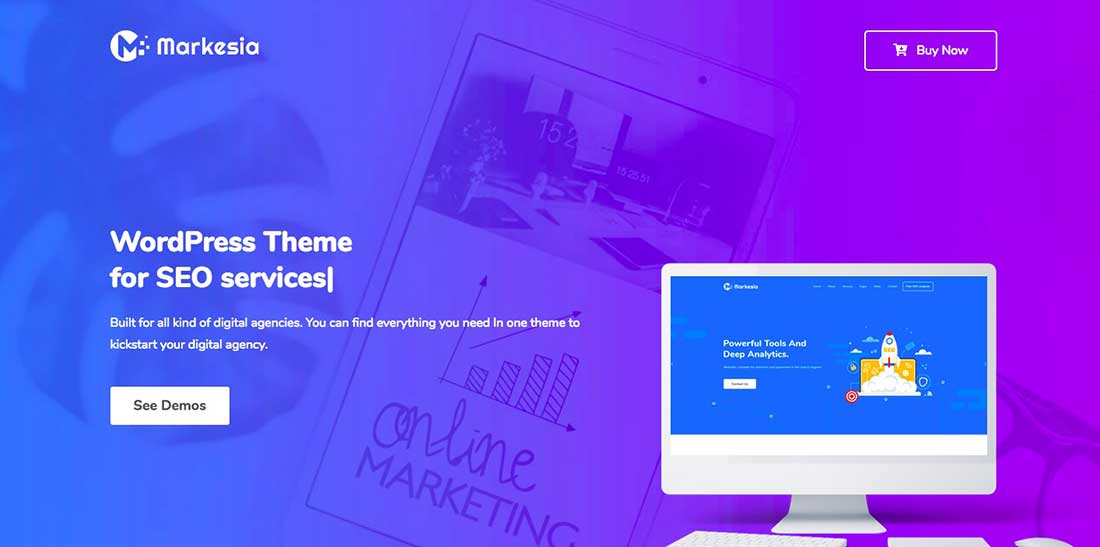
Markesia – Digital Marketing Agency and SEO WordPress Theme

4 Markesia - Digital Marketing Agency and SEO WordPress Theme

This is a word press theme that specializes in digital marketing companies and SEO companies. It comes with 4 web page builders: WPBakery, Elementor, KingComposer and WordPress Gutenberg.

Seo Wave – WordPress Theme for SEO

5 Seo Wave - WordPress Theme for SEO

This is a responsive multipurpose theme that offers clean design, free support, effects, and animations, google web fonts, built in bootstrap and optimized code.

SEO Crawler – Digital Marketing Agency, Social Media, SEO WordPress Theme

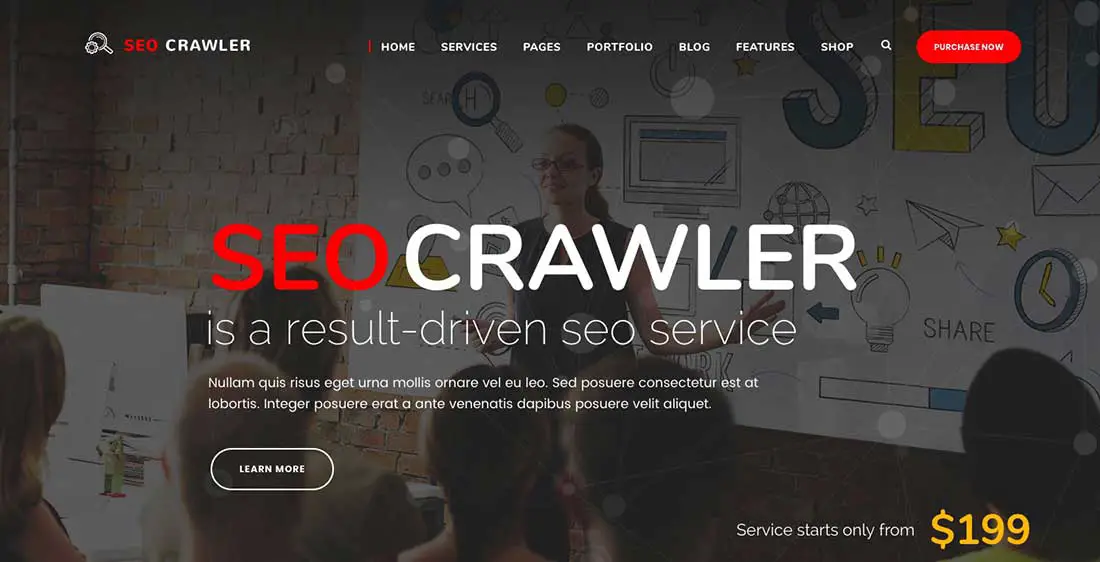
6 SEO Crawler - Digital Marketing Agency, Social Media, SEOWordPress Theme

See crawler offers 3 beautifully designed demos to build and grow your online presence. It is catered towards business owners that are looking to build pro-oriented websites that are clean and simple.

Gretna – SEO /Digital Agency WordPress Theme

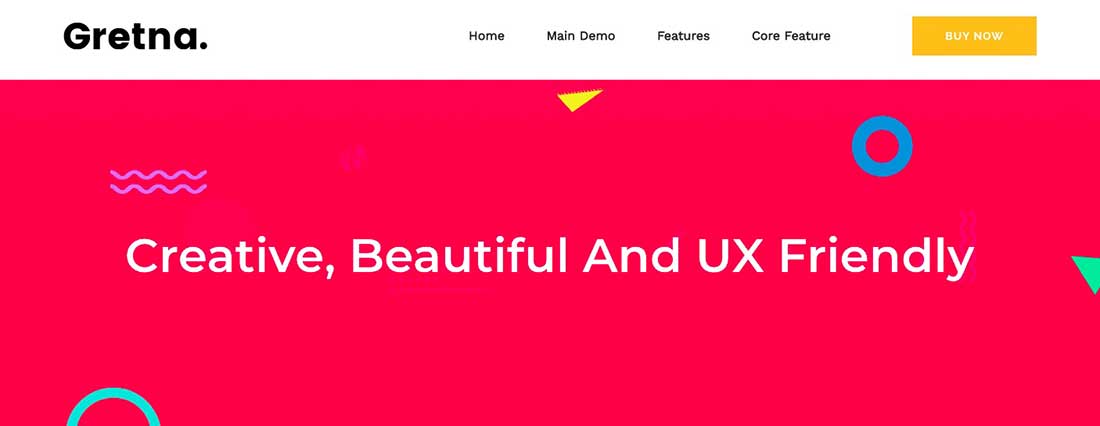
7 Gretna - SEO :Digital Agency WordPress Theme

This word press theme lets you build web pages with the help of prebuilt layouts, landing pages, and templates. This is suitable for companies offering SEO services and other internet marketing related services. This theme comes with a drag and drop builder, 3 demos and slider revolution and can be installed with a lick of a button.

Seo Rocket | SEO & Marketing WordPress Theme

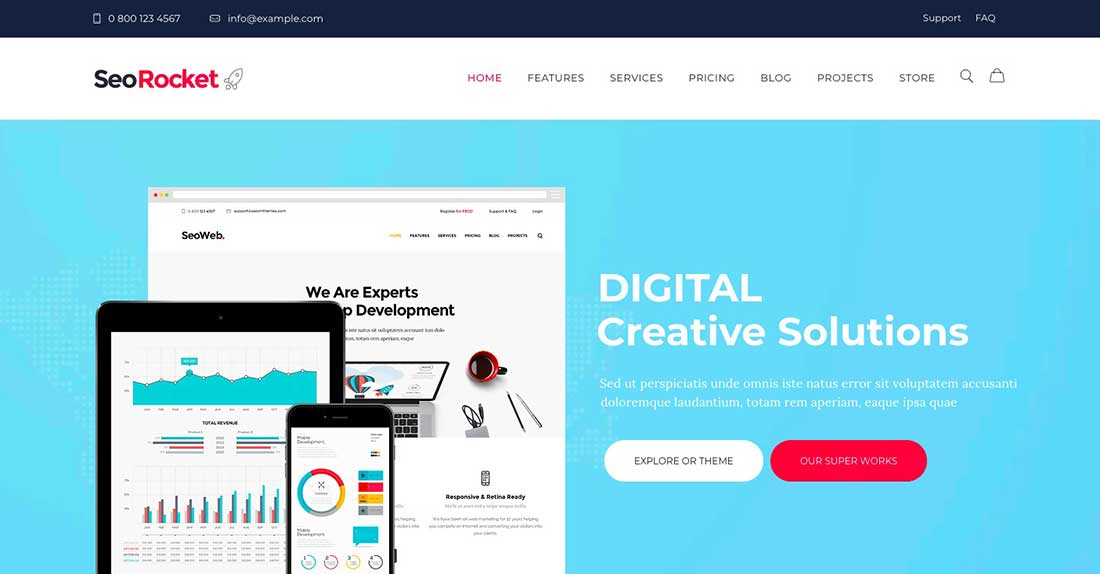
8 Seo Rocket | SEO & Marketing WordPress Theme

This fully functional, responsive theme comes with the following features: Interactive design, 2 online stores, events, and service management, stylish blog layouts, remade pricing, projects, and layouts. This theme is ideal for web designers, marketing businesses, ad agencies, creative firms, and other companies focused on brand identities.

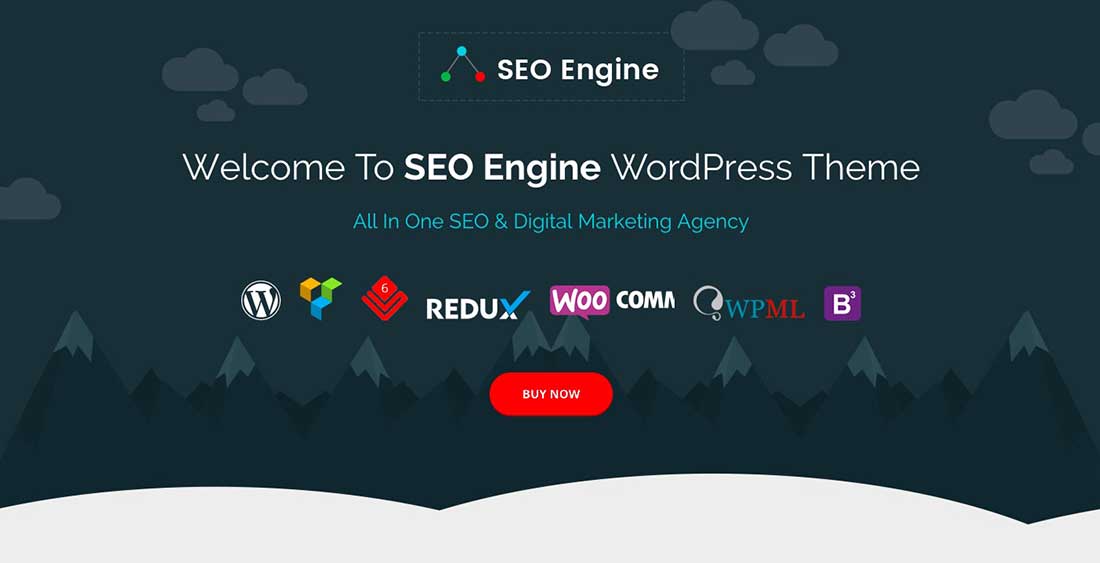
SEO Engine – SEO & Digital Marketing Agency WordPress Theme

9 SEO Engine - SEO & Digital Marketing Agency WordPress Theme

SEO engine: is a fully responsive theme that lets you create unique websites from the multiple homepage options and single pages with many layouts. It works great for SEO companies and web service/software development companies

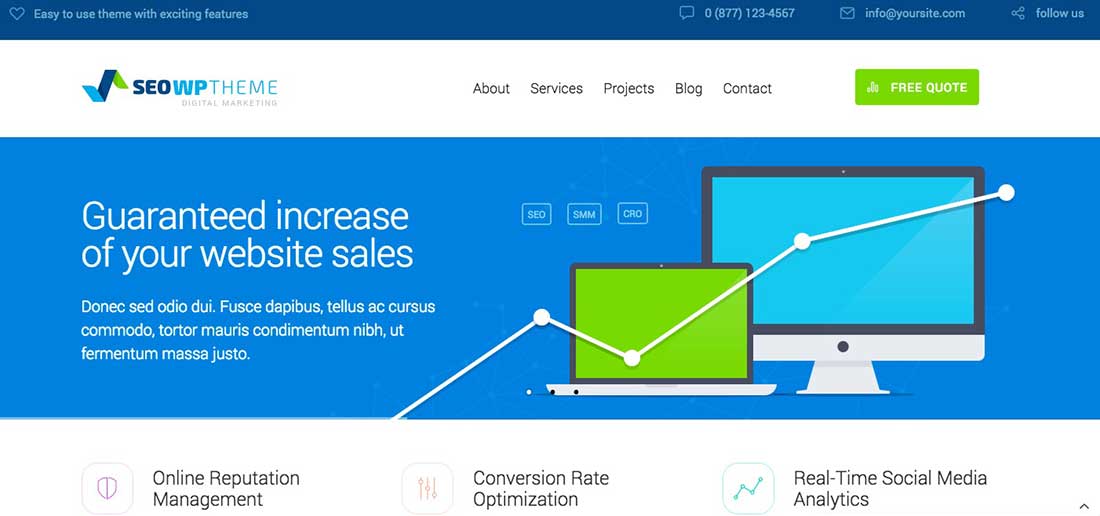
SEO WP: WordPress Theme for Digital Marketing Agency, Social Media & SEO Company

10 SEO WP- WordPress Theme for Digital Marketing Agency, Social Media & SEO Company

This theme is mostly used by SEO companies, digital marketing agencies, and social media freelancers.

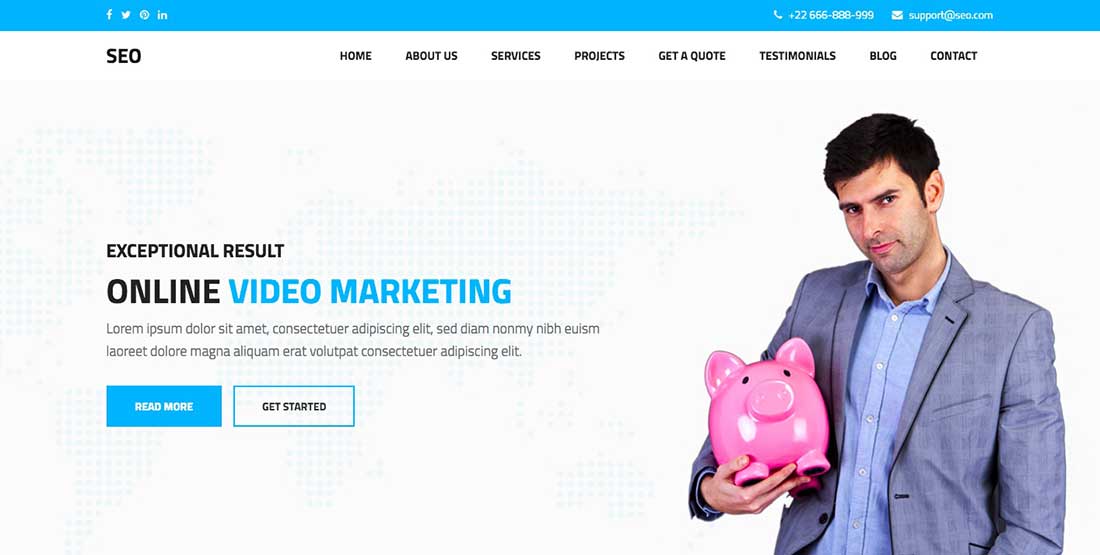
SEO – Marketing & SEO WordPress theme

11 SEO - Marketing & SEO WordPress theme

If you are looking for websites that will increase your sales and increase the turn over rates of the visitors, then Marketing and SEO word press theme if the best available option in the market. This theme offers features like customized sliders, visual composer, faster load, responsive, and lt weight options framework.

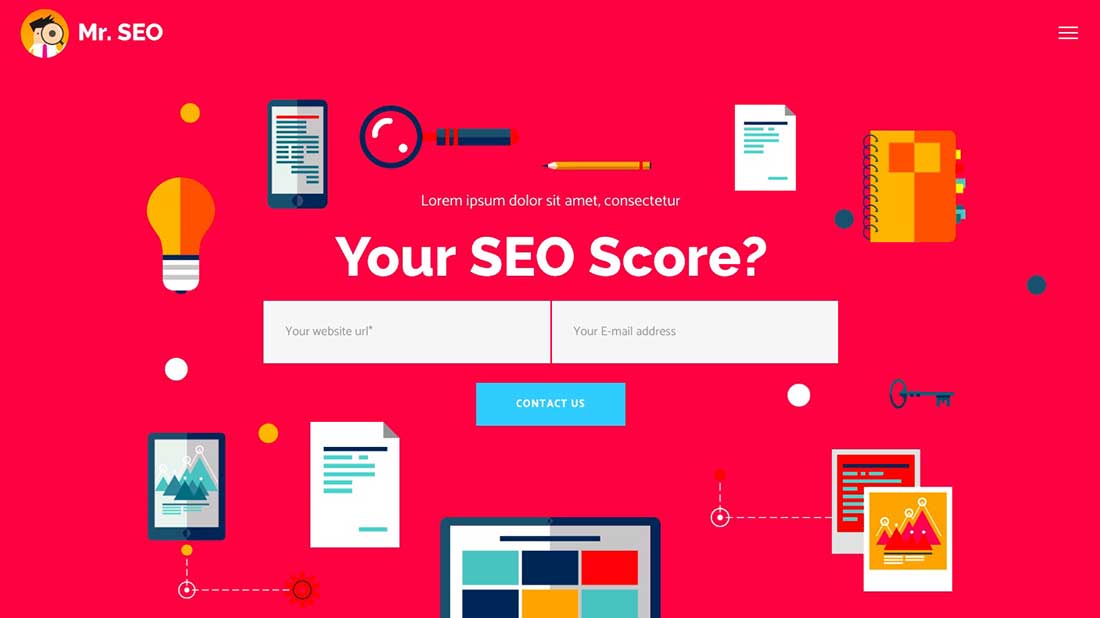
Mr. SEO – A Friendly SEO, Marketing Agency, and Social Media Theme

12 Mr. SEO - A Friendly SEO, Marketing Agency, and Social Media Theme

Showcase your business with this beautiful word press theme. It offers amazing homepage variations and a wide variety of pre-built templates. It is compatible with many plugins like google analytics, all in one SEO and many more

SEO Business – SEO, Social Media and Marketing WordPress Theme

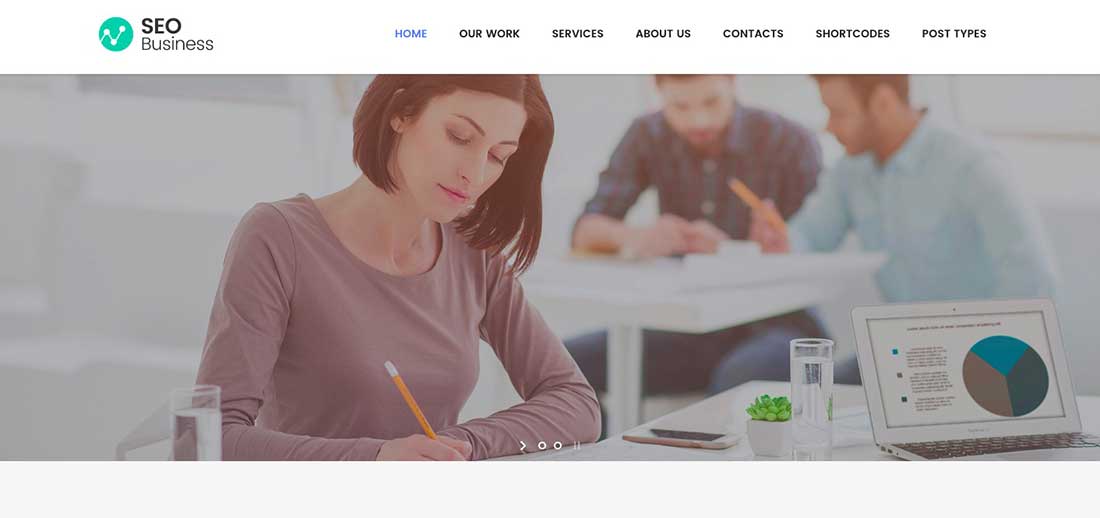
13 SEO Business - SEO, Social Media and Marketing WordPress Theme

This theme is perfect for companies looking for perfect SEO optimization and microformats. It is created for SEO companies, copywriters, digital marketing agencies and other online businesses that requires an SEO friendly website.

The SEO – Digital Marketing Agency WordPress Theme

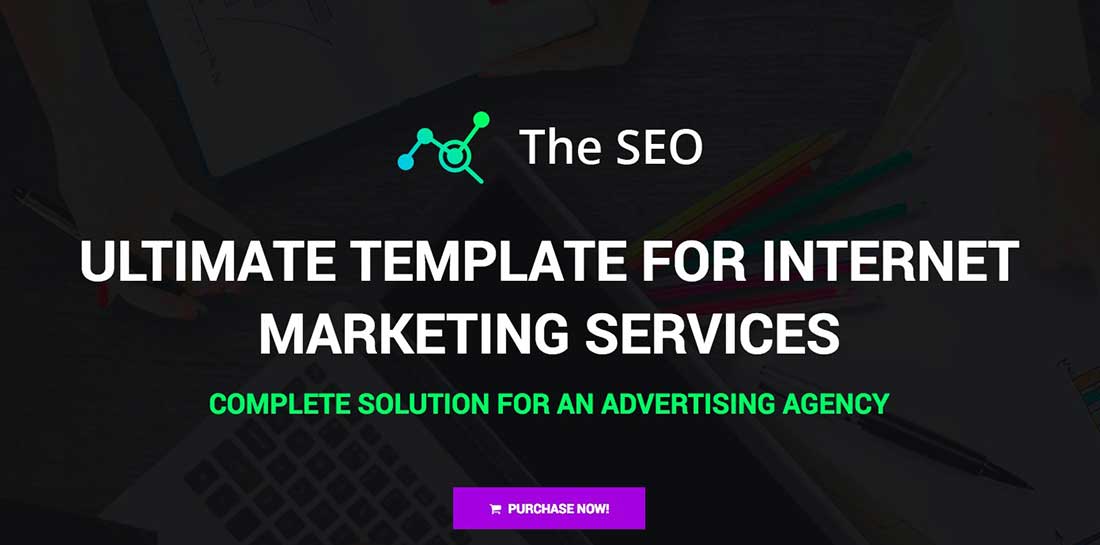
14 The SEO - Digital Marketing Agency WordPress Theme

This word press theme is designed for digital marketing agencies, web studios, ad agencies, social media marketers, lead generation experts, and SEO experts.

Atiframe – SEO and Web Design Company WordPress Theme

15 Atiframe - SEO and Web Design Company WordPress Theme

Atiframe is a word press theme created for marketing companies, creative firms, digital marketing agencies, and SEO companies. You are able to build web pages quickly with this fast page builder. One click demo lets you install and activate the theme instantly. This fully customizable, beautifully designed layout looks great on all devices.

SPIN SEO – SEO & Business WordPress Theme!

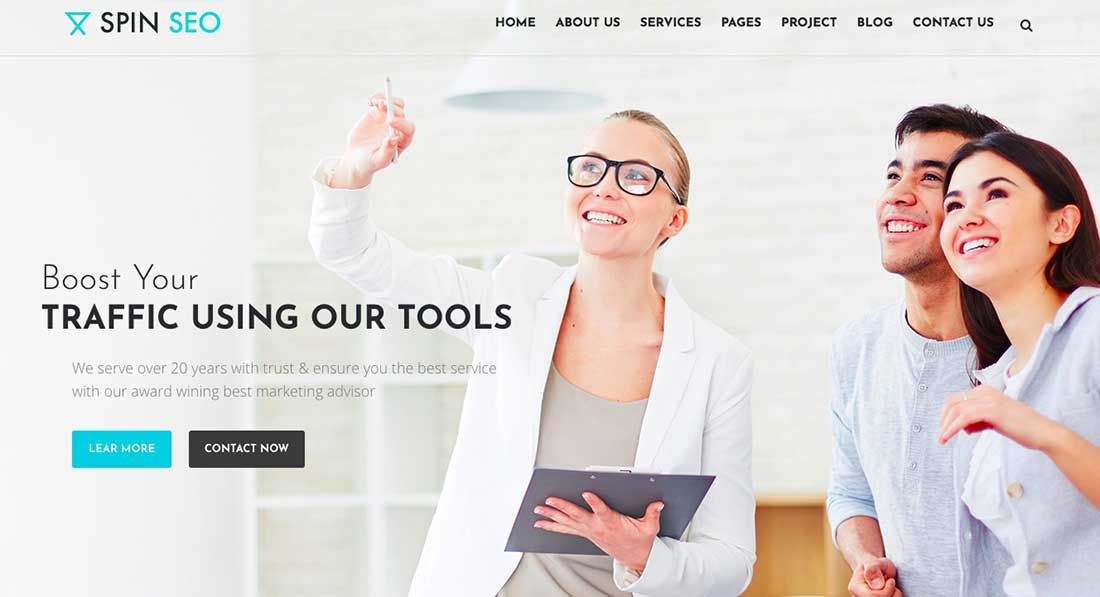
16 SPIN SEO - SEO & Business WordPress Theme!

SEO Spin is one the most cost-effective solutions for SEO business and other online marketing projects. It lets you create an eye-catching layout with a wide range of pre-built templates and styles. It also offers parallax scrolling and other amazing effects that lets you take your website to the next level. You can install and customize demos as needed.

Optimize – SEO, Digital Marketing, Social Media Theme

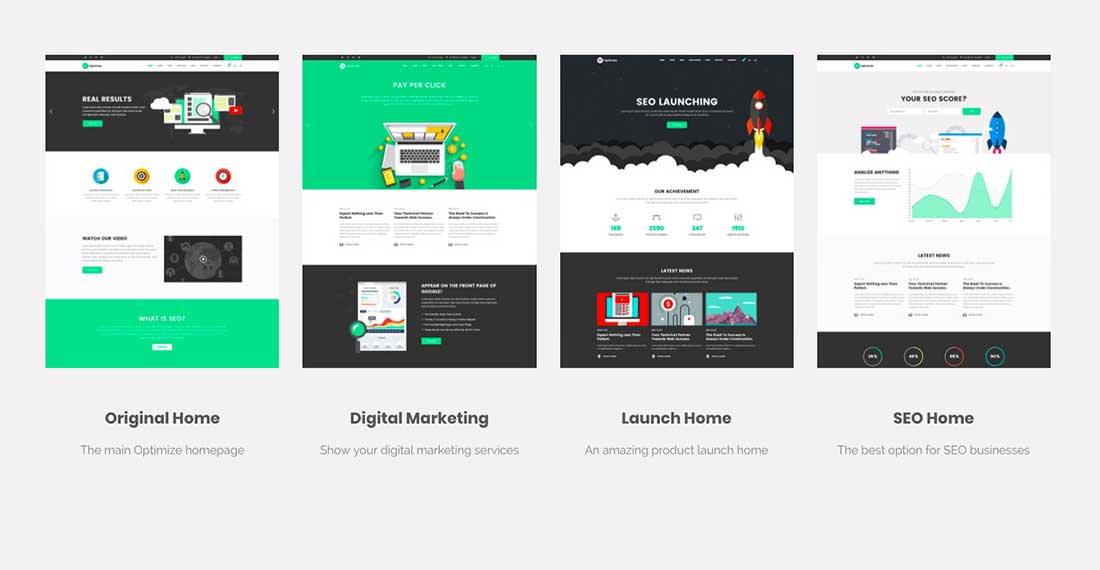
17 Optimize - SEO, Digital Marketing, Social Media Theme

Optimize word press theme helps you build and optimize websites quickly. It comes with 12 unique home pages to start from. It is compatible with plugins like Yoast SEO, All in one SEO ad Rankie. With a fully responsive layout, it looks great on all devices.

Nomos – Modern AJAX Shop Designed For Mobile And SEO-friendly

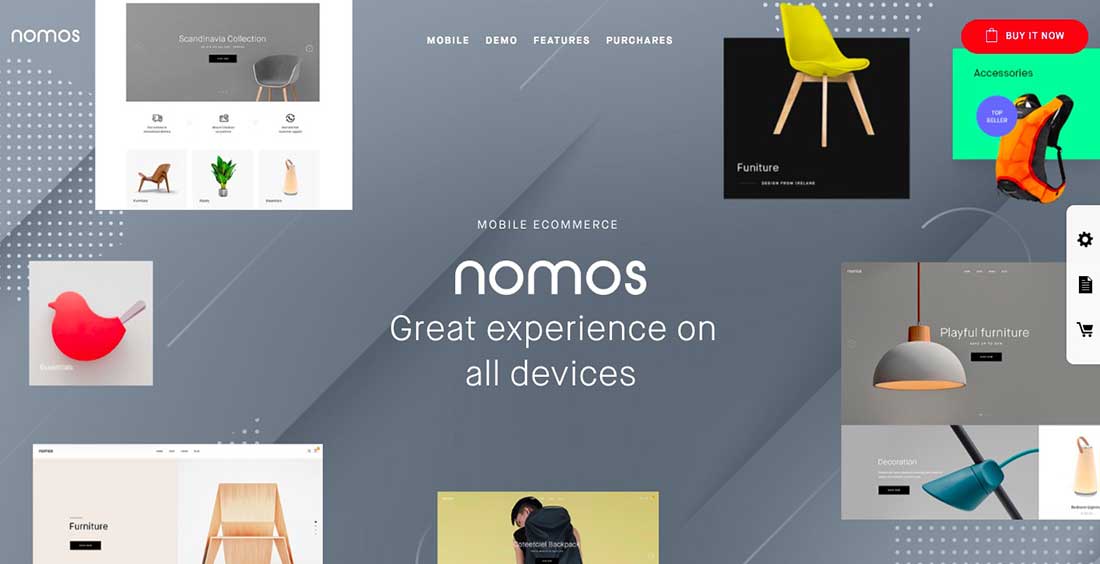
18 Nomos - Modern AJAX Shop Designed For Mobile And SEO Friendly

Nomos is a fully responsive theme that works great on all devices especially mobile devices. All the offered demos can be installed with a quick click of a button. The filter feature lets your site customers filter products by attributes and categories.

GeoBin | Social Media, Digital Marketing Agency, SEO WordPress Theme

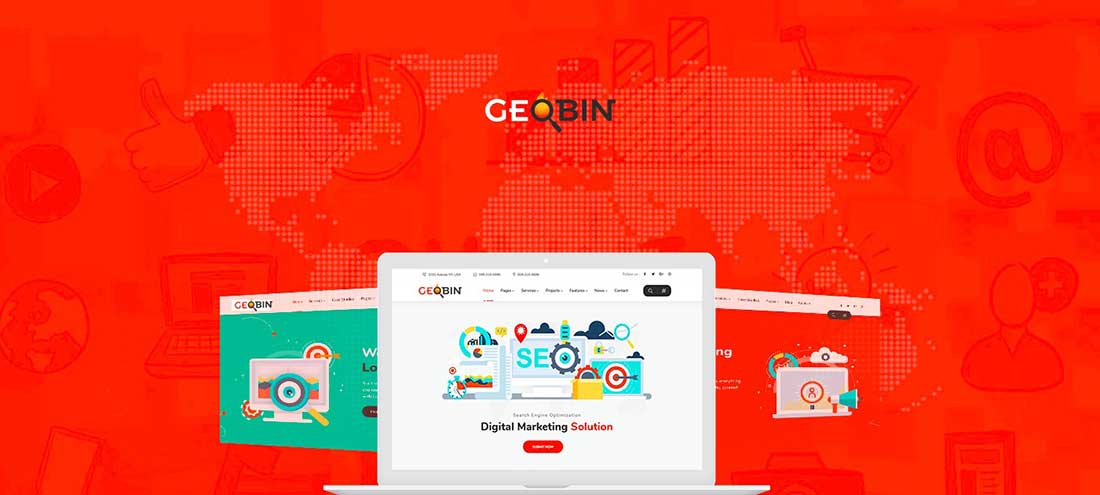
19 GeoBin | Social Media, Digital Marketing Agency, SEO WordPress Theme

This theme is perfect for digital marketing agencies and creative firms. It comes with Elementor web page builder, Bootstrap 4, Home Page Variations and Header Variations.

Lighthouse Blog – SEO Optimized and SEO Friendly Blogging Theme

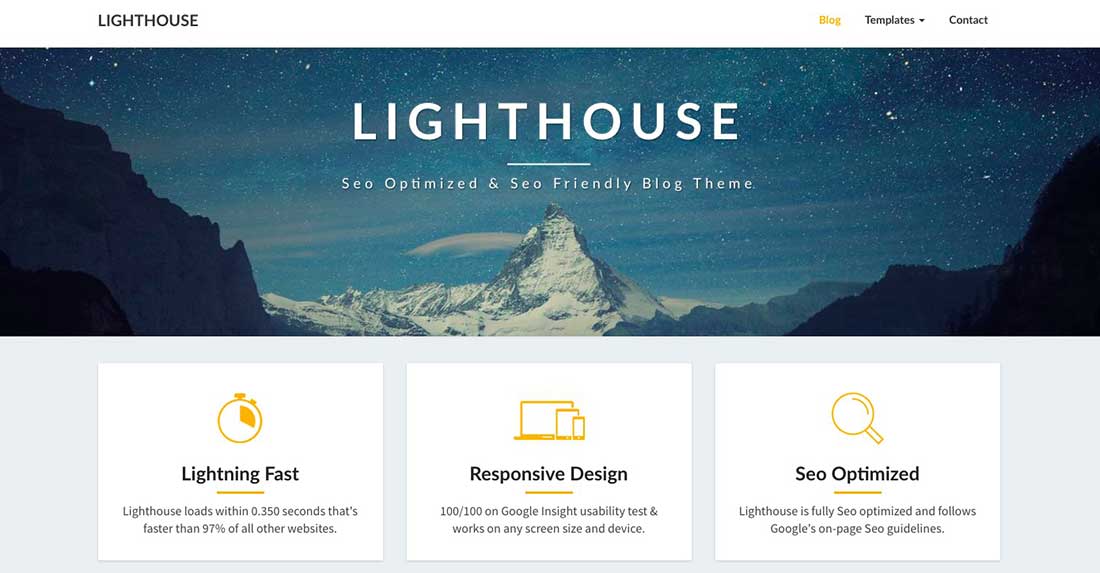
20 Lighthouse Blog - SEO Optimized and SEO Friendly Blogging Theme

This is an SEO friendly and fully responsive word press theme. It comes with 70 unique settings that can be customized to create a beautiful website that converts well. It has a 350 milliseconds load time which will make your websites load much faster than any other sites.

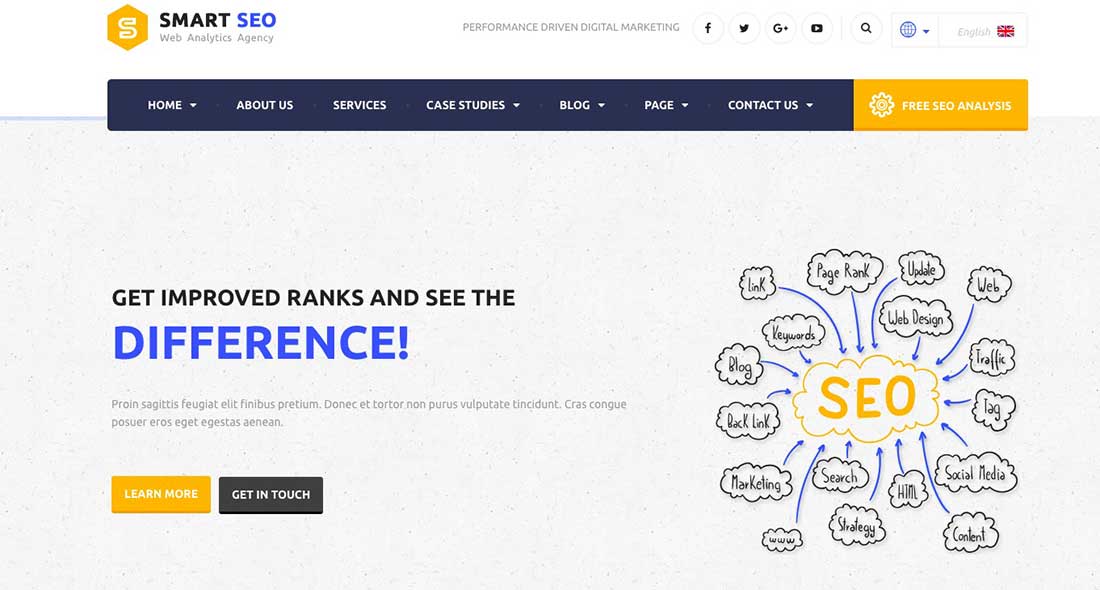
SMART SEO | Modern SEO & Marketing WordPress Theme

21 SMART SEO | Modern SEO & Marketing WordPress Theme

Smart SEO is a simple and smart solution for corporations. Its features include a help document, layered PSD ’s, easily editable CSS codes and working PHP contact form.

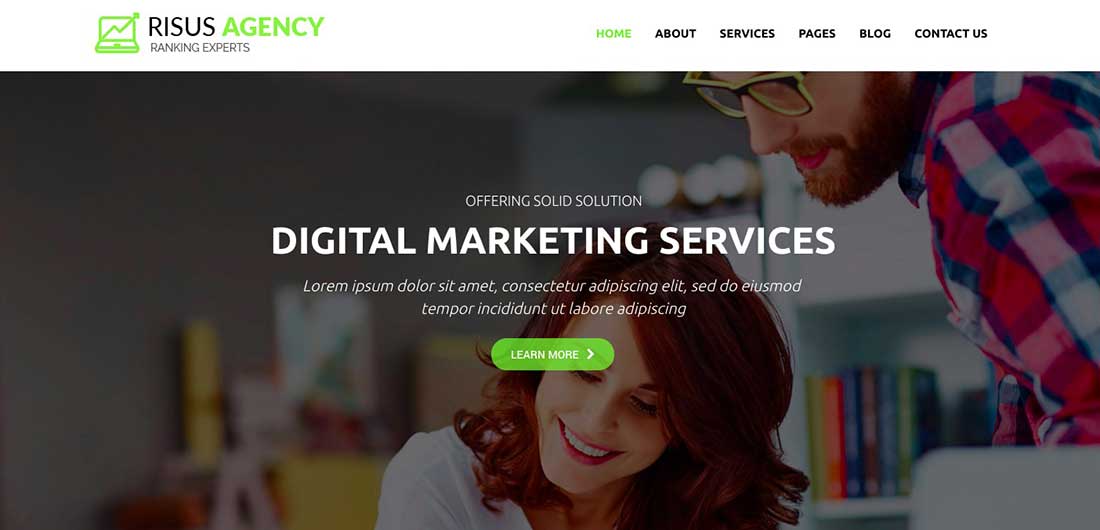
Risus Agency – SEO and Digital Marketing WordPress Theme

22 Risus Agency - SEO and Digital Marketing WordPress Theme

This theme is great for SEO companies and marketing agencies. Comes with a drag and drop builder and prebuilt templates. It is 100% responsive and looks great on handheld devices.

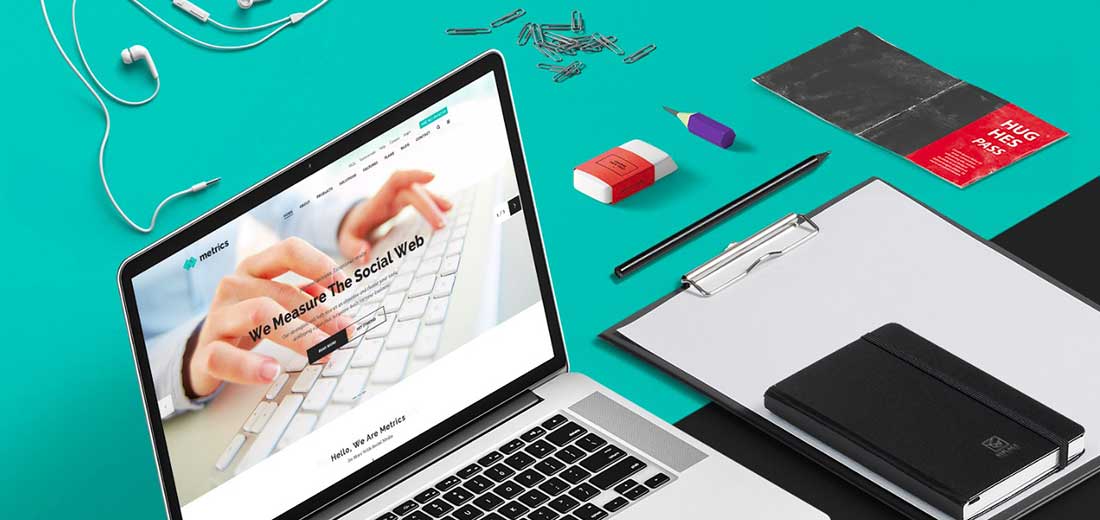
SEO Metrics – SEO, Digital Marketing, Social Media WordPress Theme

23 SEO Metrics - SEO, Digital Marketing, Social Media WordPress Theme

SEO metrics: Create stunning, flexible and professional websites using this theme. Specifically suited for SEO companies and marketing agencies, it offers 27+ beautiful demos to choose from. Metrics come with sales and SEO needed pages.

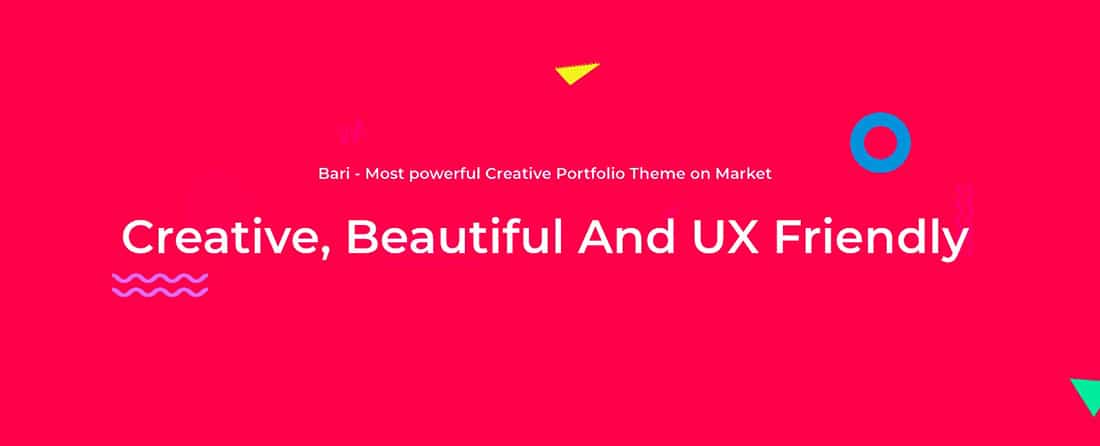
Bari – Portfolio and SEO /Digital Agency WordPress Theme

24 Bari - Portfolio and SEO :Digital Agency WordPress Theme

Bari works best for freelancers, creative firms artists, illustrators, and designers. It lets you create a portfolio by choosing a template from the template library. beautiful typography and pixel perfect imagery pushes your work to the surface and lets you stand out from the crowd.

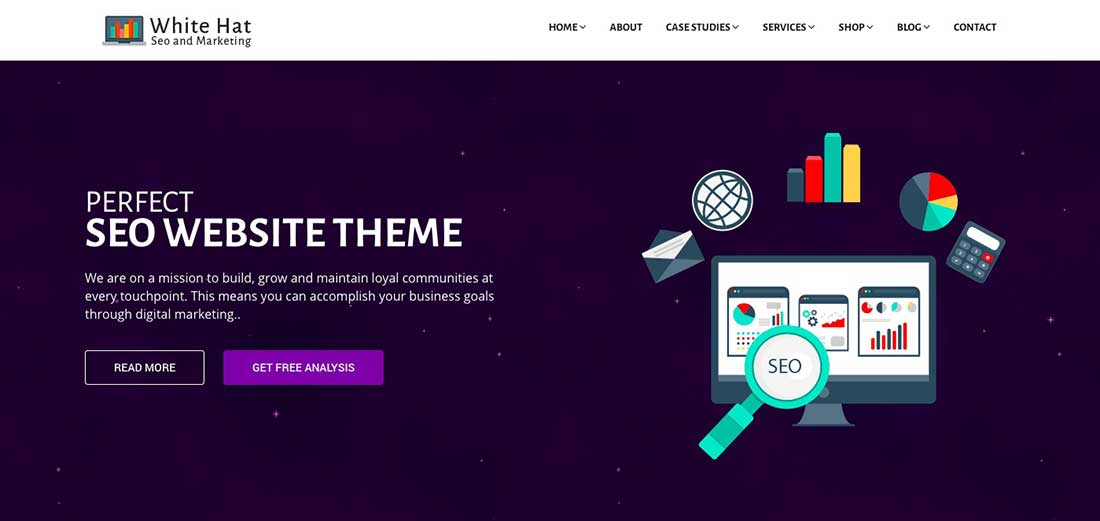
WhiteHat – SEO and Digital Marketing Theme

25 WhiteHat - SEO and Digital Marketing Theme

This theme is specifically suited for SEO companies, marketing agencies, advertisers and their clients. Some of the features include cross-browser compatibility, responsive layout, and dynamic multiple sections.

The post 25 Best SEO Agency & Company WordPress Themes appeared first on Web Design Blog | Magazine for Designers.


via http://bit.ly/2F3Z0rF
 

The Cash Box Blueprint

Most Reading